Table of Contents
Just launching your Shopify store doesn’t guarantee it will show up on Google. With millions of merchants competing for the same search terms, ranking well takes more than a live storefront — it takes the right tools working in the background.
This is exactly where Shopify SEO apps come in. Instead of manually editing meta tags, compressing images, or hunting down broken links, a good Shopify SEO app can handle these fixes automatically, freeing you up to focus on products and marketing while your store’s technical SEO stays on track.
Table of Contents
What Is a Shopify SEO App?
A Shopify SEO app is a third-party tool, installed directly from the Shopify App Store, that helps automate and improve the technical and on-page SEO elements of your store. Instead of manually editing alt text, meta descriptions, or schema markup for every product page, these apps scan your store, flag issues, and often fix them with a single click.
Most Shopify SEO apps fall into a few overlapping categories: technical SEO audits, image and speed optimization, structured data (schema) generation, and — increasingly — AI-powered content and metadata creation. Some apps specialize in just one area, while others try to cover the full spectrum.
That said, no app is a magic bullet. Installing a Shopify SEO app won’t replace solid keyword research, quality content, or backlinks — but paired with a smart Shopify SEO strategy, it can meaningfully speed up your results. Below, we break down the best Shopify SEO apps on the market today, based on their features, pricing, and real Shopify App Store ratings, so you can pick the right fit for your store.
What to Look For Before You Install One
Not every SEO tool is built the same way. When comparing the best SEO apps for Shopify, pay attention to:
- Core SEO fundamentals – alt text, meta titles/descriptions, broken link detection, and redirects
- Structured data (schema) – helps Google understand your product, blog, and collection pages
- Speed and image optimization – page speed is a ranking factor and directly affects conversions
- AI-assisted features – meta description generation, content suggestions, and increasingly, LLMs.txt for AI search visibility
- Ease of use – a cluttered dashboard can cost you more time than it saves
- Pricing that scales with your store – free plans are great for testing, but check image/page limits before committing
With that in mind, here’s a closer look at seven standout options.
Brief Comparison of the Best Shopify SEO Apps
Before diving into full reviews, here’s a quick snapshot of how these best SEO apps for Shopify stack up:
| App | Shopify Rating | Starting Price | Best For |
|---|---|---|---|
| SEOLab | 4.9/5 | Free plan / from $14 | Beginners wanting AI + AEO tools |
| Tiny SEO | 5.0/5 | Free plan / from $14 | Speed & image optimization |
| Sherpas: Smart SEO | 4.9/5 | Free plan / from $14.99 | Backlink visibility |
| SEOWILL | 4.8/5 | Free plan / from $29.99 | AI content + SEO combined |
| Tapita | 5.0/5 | Free plan / from $9.99 | High review volume, scalable audits |
| Avada | 4.9/5 | Free plan / from $34.95 | Large, beginner-friendly user base |
Now let’s look at each app in more detail.
Top Shopify SEO Apps to Try
1. SEOLab: All in #1 SEO — AI SEO
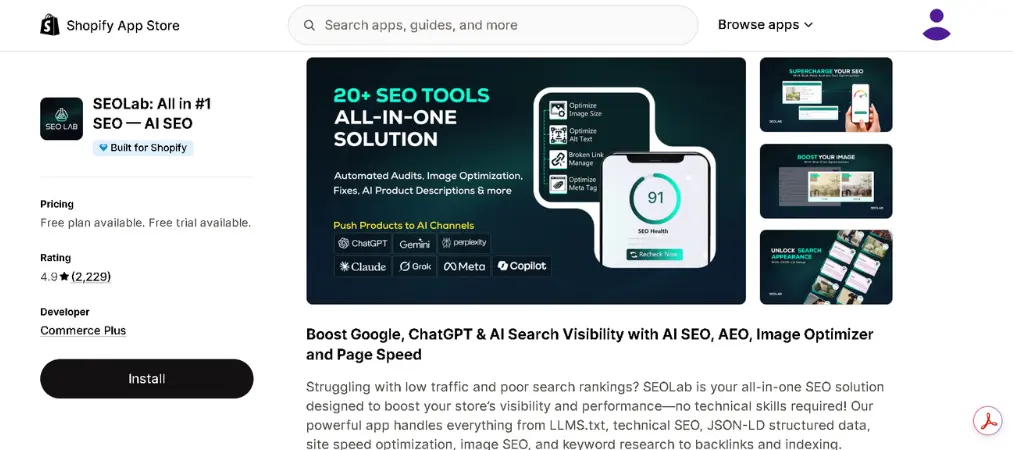
SEOLab is a newer entrant that packs a surprisingly complete toolkit into a clean, beginner-friendly dashboard, with AI baked into nearly every feature.
App Rating: 4.9/5 (2,200+ reviews)
Top Features:
- Page-by-page optimization scoring with actionable recommendations
- Speed and image compression tools
- Structured data for products and local business info
- LLMs.txt generation to improve visibility in AI search tools like ChatGPT and Gemini
Drawbacks:
- Paid tiers are expected soon, so long-term pricing is still unclear
- Less proven track record than older, more established apps
Who Is It For? Merchants who want a modern, AI-first SEO tool without paying anything upfront.
Pricing:
| Plan | Price | Notes |
|---|---|---|
| Free | $0/month | All current features included |
| Beginner | $14/ month | All Features in Free + Additional Quota |
| Advanced | $29/ month | All Features in Beginner + Additional Quota |
| Enterprise | $59/ month | All Features in Advanced + Additional Quota |
👉 Try App →
2. Tiny SEO – Speed & Image Optimizer
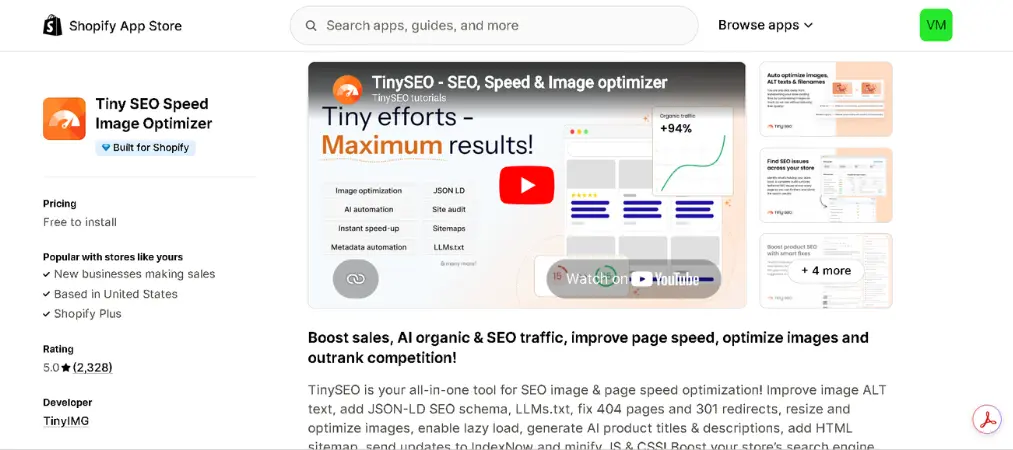
Tiny SEO built its reputation as an image optimization tool before expanding into a fuller SEO suite, and it still keeps its interface refreshingly uncluttered.
App Rating: 5.0/5 (2,300+ reviews)
Top Features:
- Lazy loading, asset preloading, and image compression
- Automatic broken link scanning with 301 redirects
- SEO-friendly filename and alt text optimization
- AI-generated meta descriptions on higher plans
Drawbacks:
- Best features (schema, AI meta descriptions) are locked behind paid plans
- Image optimization limits can be restrictive on lower tiers
Who Is It For? Stores prioritizing page speed and image-heavy catalogs.
Pricing:
| Plan | Price | Notes |
|---|---|---|
| Free | $0/month | Basic optimization tools |
| Beginner | $14/ month | Full feature access, higher limits |
| Advanced | $23/ month | Discounted vs. monthly billing |
| Expert | $49/ month | Full feature access, higher limits |
🚀 Install Now →
3. Sherpas: Smart SEO
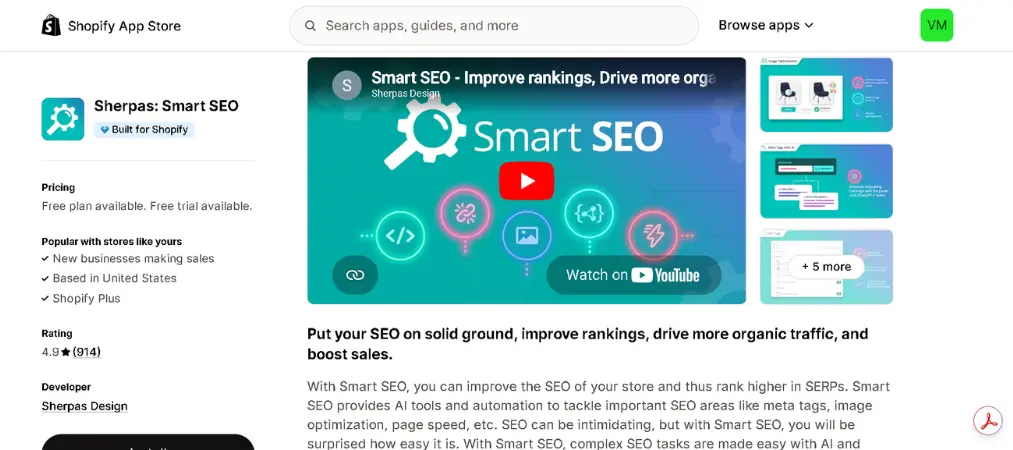
Smart SEO leans into both on-page fundamentals and backlink visibility, which sets it apart from apps that focus purely on technical fixes.
App Rating: 4.9/5 (900+ reviews)
Top Features:
- One-click page speed activation and image optimization
- AI-generated meta descriptions based on keywords and tone
- Internal and external broken link detection
- Backlink checker (higher-tier plans)
Drawbacks:
- Backlink checker requires upgrading to a paid plan
- Some advanced features may feel unnecessary for very small stores
Who Is It For? Merchants who want backlink insights alongside standard SEO fixes.
Pricing:
| Plan | Price | Notes |
|---|---|---|
| Free | $0/month | Core SEO tools |
| Paid tiers | Up to $49.99/month | Adds backlink checker, more automation |
✅ Get App →
4. SEOWILL: AI SEO & AI Blog Post
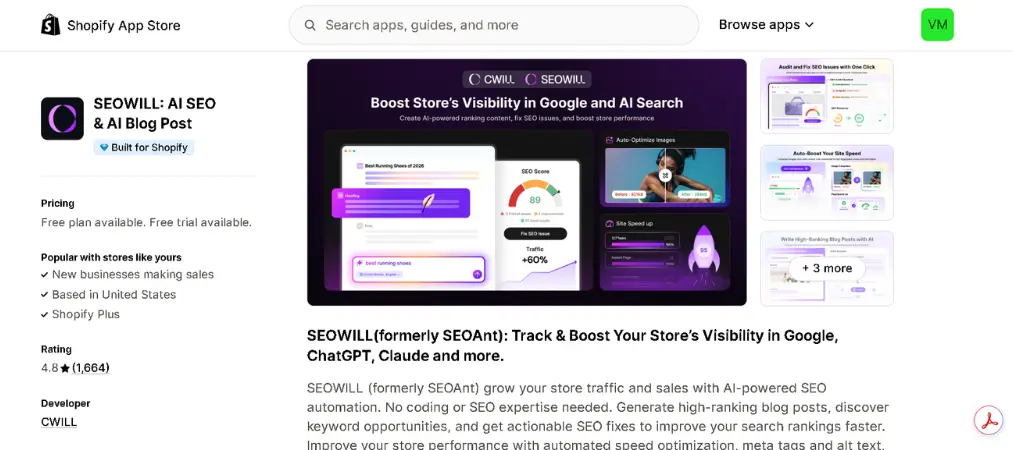
SEOWILL is one of the more AI-forward options on this list, combining a solid SEO scanner with content and link-building extras.
App Rating: 4.8/5 (1,600+ reviews)
Top Features:
- Full-site SEO scanner flagging missing alt tags and meta descriptions
- Structured data and breadcrumb support
- Broken link checker with manual redirect setup
- AI blog post generation and keyword research
Drawbacks:
- AI-generated content still needs human editing before publishing
- Link-building tool quality is harder to verify independently
Who Is It For? Stores that want to combine content marketing with SEO cleanup in one app.
Pricing:
| Plan | Price | Notes |
|---|---|---|
| Free | $0/month | Includes basic AI credits |
| Paid tiers | Up to $59.99/month | More AI credits, advanced features |
📄 Start Now →
5. Tapita AI SEO Optimizer & Speed Booster
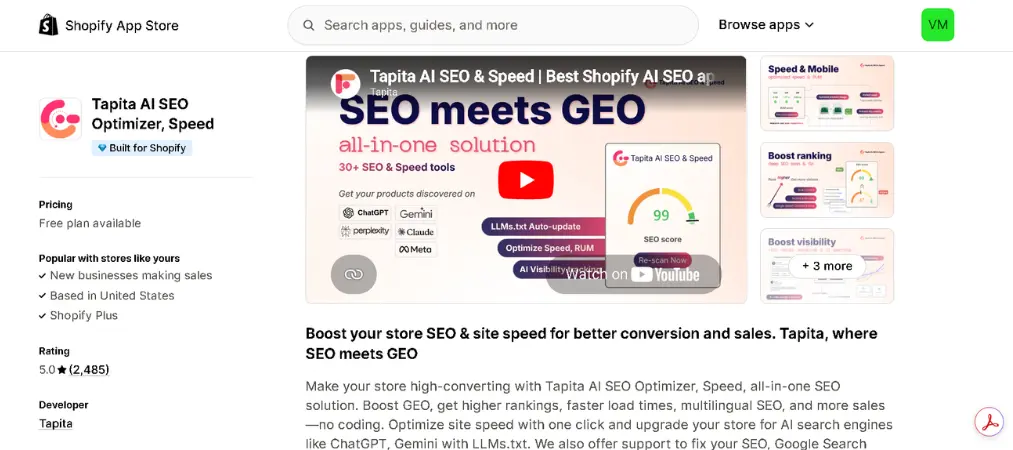
Tapita is one of the most reviewed apps in this category, offering a broad mix of audit, optimization, and speed tools.
App Rating: 5.0/5 (2,000+ reviews)
Top Features:
- Full-site audit flagging common SEO issues
- SEO Booster covering structured data and metadata
- Speed Booster for faster load times
- LLMs.txt support for AI search discoverability
Drawbacks:
- On-page audit suggestions can feel surface-level compared to specialized tools
- Costs scale up on higher Shopify plans (plan-based add-on fees apply)
Who Is It For? Growing or high-volume stores that need scalable audit limits.
Pricing:
| Plan | Price | Notes |
|---|---|---|
| Free | $0/month | Basic audit and speed tools |
| Paid tiers | ~$9.99–$39.99/month | Plus plan-based add-on fees |
👉 Try App →
6. Avada AI SEO Image Optimizer
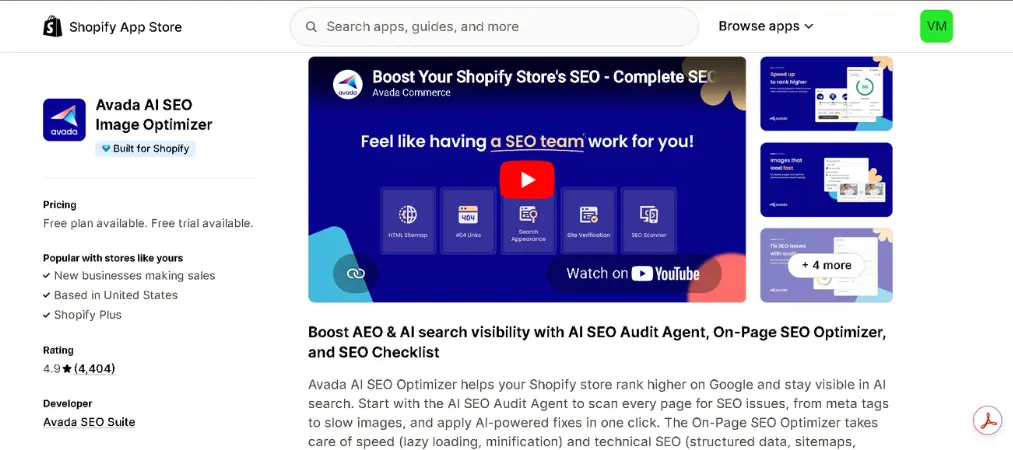
Avada has built one of the largest user bases in this space, combining an AI audit agent with a straightforward checklist approach.
App Rating: 4.9/5 (4,400+ reviews)
Top Features:
- AI-driven SEO audit agent with a guided checklist
- On-page optimization suggestions
- Image and alt text automation
Drawbacks:
- Interface can feel busier than more minimalist competitors
- Some advanced audit features require upgrading
Who Is It For? Beginners who want a guided, checklist-style SEO workflow.
Pricing:
| Plan | Price | Notes |
|---|---|---|
| Free | $0/month | Core audit checklist |
| Paid tiers | Varies by feature set | Unlocks deeper automation |
✅ Get App →
How to Install a Shopify SEO App

Getting started with any Shopify SEO app takes just a few minutes:
- Go to the Shopify App Store and search for the app you want (e.g., “Tiny SEO” or “SEOLab”).
- Click Add app, then confirm access permissions when redirected to your Shopify admin.
- Once installed, most apps will run an initial site audit automatically.
- Review the flagged issues (missing alt text, slow images, broken links, etc.) and apply fixes — many apps offer one-click resolution.
- Set up ongoing settings, such as auto-generating alt text for new products or scheduling recurring audits.
- Monitor your store’s SEO score over time and upgrade your plan only if you need higher usage limits or advanced features.
FAQs About Shopify SEO Apps
Do I really need a Shopify SEO app?
Not strictly — you can handle SEO manually. But for larger catalogs, an app saves significant time by automating repetitive tasks like alt text and metadata.
Are free Shopify SEO apps good enough?
For small stores, yes. Most free plans cover the essentials (basic audits, some image optimization). Larger stores usually need a paid tier for full functionality.
Will an SEO app guarantee higher rankings?
No app guarantees rankings. These tools fix technical and on-page issues that support better SEO performance, but content quality, backlinks, and site authority still matter most.
Can I use more than one SEO app at once?
It’s possible, but not always recommended — overlapping apps can create duplicate meta tags or conflicting settings. Stick to one primary SEO app when possible.
Final Thoughts
There’s no single “best” answer here — the best Shopify SEO apps for your store depend on whether you need speed fixes, structured data, AI content help, or all of the above. Start with a free plan, test it against your actual product pages, and upgrade only once you’ve confirmed it fits your workflow.
Speaking of clean, professional store operations — if you’re optimizing your Shopify store for growth, don’t overlook the backend just as much as SEO. Streamlining tasks like invoicing and order documentation with the Vify Order Printer PDF Invoice app can save just as much time as automating your SEO checklist.