Table of Contents
A shopper lands on your product page with one question — about sizing, shipping, or returns — and instead of getting an instant answer, they bounce. That’s a lost sale you didn’t have to lose.
This is exactly the gap that Shopify FAQ apps are built to close. Instead of routing every small question to your inbox or live chat queue, a well-built FAQ section lets customers self-serve, which builds trust and keeps them on the page longer.
Table of Contents
What Exactly Is a Shopify FAQ App?

A Shopify FAQ app is a third-party tool from the Shopify App Store that lets you build a self-service question-and-answer section for your store — without writing any code. Instead of manually coding an FAQ page into your theme, you get a drag-and-drop editor to organize questions by category, style them to match your brand, and place them wherever customers need them most: a dedicated FAQ page, individual product pages, or even your checkout flow.
Beyond just answering questions, a good FAQ app Shopify merchants install often does double duty as an SEO tool. Many apps generate structured FAQ schema markup behind the scenes, which can help your Q&A content show up directly in Google search results — turning a support feature into a quiet traffic driver.
Comparison at a Glance
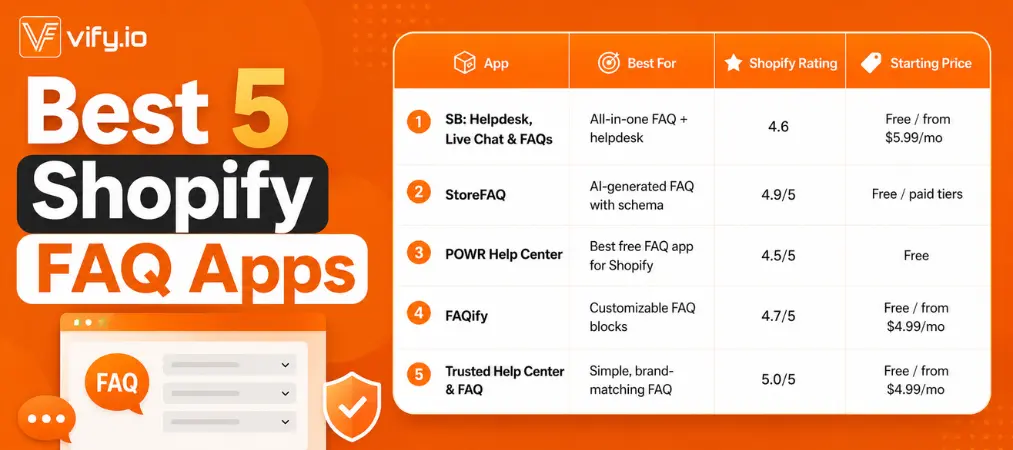
If you’re just starting a Shopify store, setting up an FAQ section early is one of the cheapest ways to reduce support tickets before they even start piling up. Below, we break down the best FAQ app Shopify has to offer, comparing free and paid tiers, core features, and real user ratings so you can pick the one that fits your store.
What Makes a Strong FAQ Shopify App
Not every faq shopify app on the store delivers the same value. Before picking one, weigh these factors:
- No-code editing. A drag-and-drop builder means you don’t need a developer to add, reorder, or restyle questions.
- Layout flexibility. Accordion, tab, or toggle styles that can sit on product pages, a dedicated FAQ page, or even a popup.
- SEO and schema markup. Apps that output structured FAQ schema help your answers surface in Google’s “People Also Ask” results — extra organic traffic without extra SEO work.
- Placement options. The more places you can drop the FAQ block — product pages, footer, checkout — the more support tickets it deflects.
- Support add-ons. Some apps bundle live chat or ticketing, turning a simple FAQ widget into a full self-service hub.
In-Depth Reviews: Best Shopify FAQ App Picks
1. SB: Helpdesk, Live Chat & FAQs
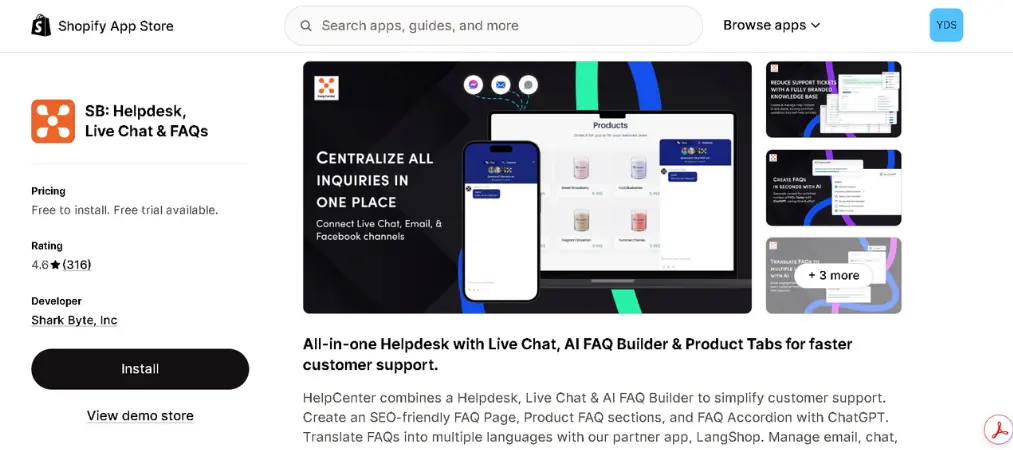
SB: Helpdesk, Live Chat & FAQs goes beyond a standalone FAQ widget — it’s a full self-service help center that pairs FAQ content with support ticketing and live chat. It’s one of the more complete options if you want a single dashboard for everything customer-facing.
Key features:
- Multi-tab, multilingual FAQ builder
- Built-in ticketing system and live chat
- Product-page “Tabs” for category or vendor-wide content
- Schema markup included even on entry-level paid plans
Shopify rating: 4.6 out of 5 stars across hundreds of reviews
Pricing:
| Plan | Price |
|---|---|
| Free | $0 |
| Starter | From $5.99/month |
| Higher tiers | Unlocks multilingual SEO and unlimited support features |
2. StoreFAQ: Product FAQ Chatbot
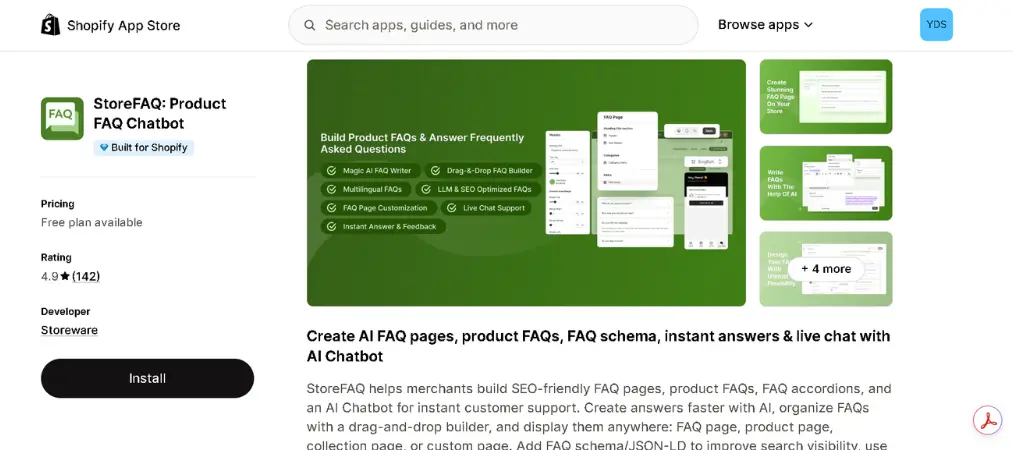
StoreFAQ combines an AI FAQ builder with JSON-LD schema, live chat, and a chatbot layer, making it a strong pick for stores that want their FAQ content to also work as an SEO asset.
Key features:
- AI-assisted FAQ generation
- JSON-LD schema for rich snippet eligibility
- Product-specific FAQs plus a general help page
- Live chat and chatbot bundled in
Shopify rating: 4.9 out of 5 stars, with a “Built for Shopify” badge
Pricing:
| Plan | Price |
|---|---|
| Free | $0 |
| Paid tiers | Unlock unlimited FAQs and advanced chatbot automation (pricing varies by tier) |
3. POWR Help Center Product FAQs
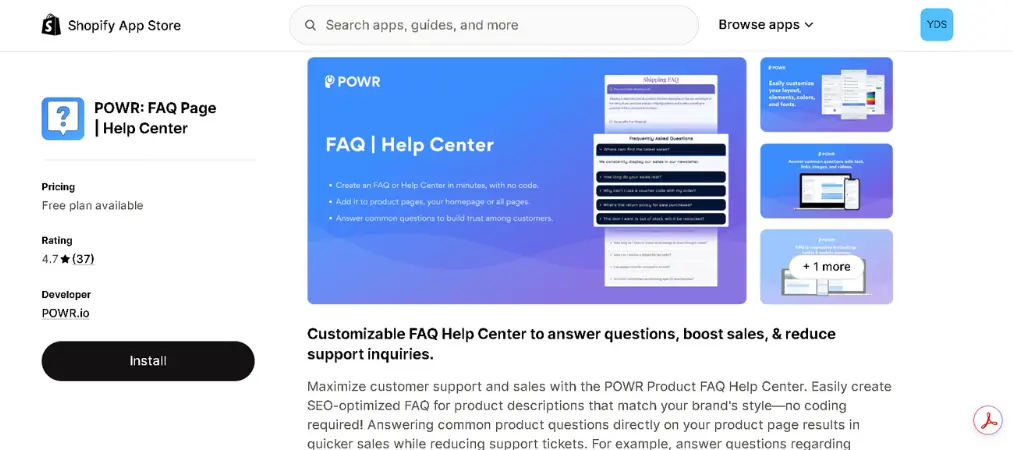
If budget is the deciding factor, POWR is widely regarded as the best free FAQ app for Shopify. It’s part of POWR’s larger app suite, so it plays well if you’re already using other POWR tools.
Key features:
- Fully free FAQ widget
- Works with any Shopify theme out of the box
- Simple, lightweight editor
- Reliable uptime and performance
Shopify rating: 4.7 out of 5 stars
Pricing:
| Plan | Price |
|---|---|
| Free | $0 — full core functionality, no paid tier required |
4. FAQify
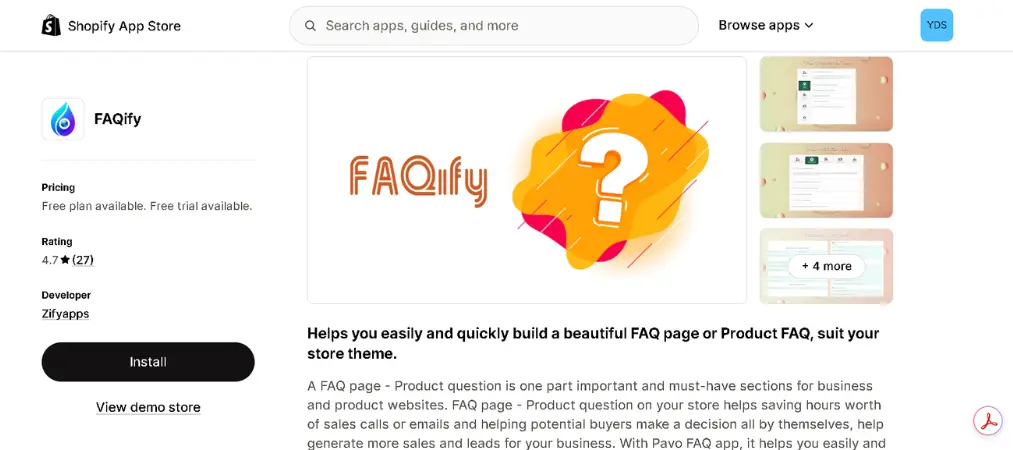
FAQify takes a block-based approach, letting you mix horizontal tabs, vertical tabs, accordions, and product-specific Q&A formats without touching code.
Key features:
- Smart text editor with photo and video support
- Multiple FAQ display formats (tabs, accordion, dropdown)
- Unlimited FAQ items on paid plans
- Theme-matching customization
Shopify rating: 4.7 out of 5 stars
Pricing:
| Plan | Price |
|---|---|
| Free | 1 FAQ group, 15 items, 8 templates |
| Paid | From $4.99/month, up to $9.99/month for unlimited groups |
5. Trusted Help Center & FAQ
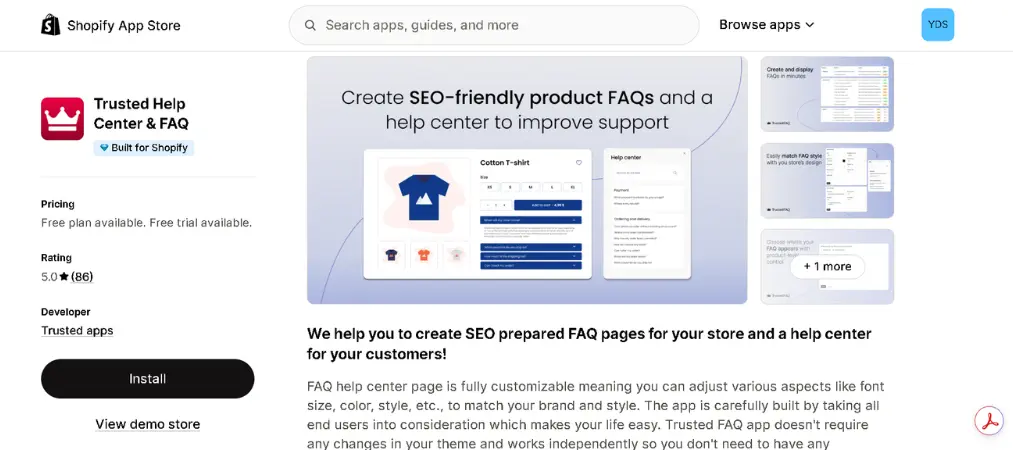
For merchants who want a clean, brand-matching FAQ without extra bloat, Trusted Help Center focuses on doing one job well: customizable FAQs with AI JSON-LD schema baked in.
Key features:
- Admin dashboard for fast question management
- Visual FAQ answers (images supported)
- AI-generated schema for SEO
- Custom placement across store pages
Shopify rating: 5.0 out of 5 stars
Pricing:
| Plan | Price |
|---|---|
| Free | $0 — unlimited questions |
| Paid | From $4.99/month (or $23.88/year) — adds custom placement across all pages |
n with unlimited questions; paid plan from $4.99/month (or $23.88/year) adds custom placement across all pages.
How to Install a FAQ App on Shopify

Getting a FAQ app Shopify-ready takes just a few steps, regardless of which app you choose:
Step 1: Go to the Shopify App Store and search for your chosen FAQ app.
Step 2: Click Install app and approve the permissions.
Step 3: Follow the app’s setup wizard to create your first FAQ group.
Step 4: In your Shopify admin, go to Online Store > Navigation > Main menu, then add a menu item linking to your new FAQ page (usually something like /apps/help-center).
Step 5: Pick a template inside the app, customize colors and fonts to match your theme, then preview and save.
Step 6: Add product-specific FAQ blocks to key product pages where customers ask the most questions.
Once your FAQ page is live, treat it the same way you’d treat any other page on your site — for a deeper walkthrough on setting up store pages and navigation from scratch, see our guide on how to create a Shopify store.
What Merchants Often Ask

What is the best Shopify FAQ app overall?
HelpCenter and StoreFAQ are consistently rated among the best Shopify FAQ app options thanks to their combination of FAQ building, schema markup, and support features in one dashboard.
What’s the best free FAQ app for Shopify?
POWR Help Center is completely free with no paid tier required, making it the go-to best free FAQ app for shopify merchants on a tight budget. Trusted Help Center and FAQify also offer generous free plans.
Do FAQ apps help with SEO?
Yes. Apps that generate FAQ schema (JSON-LD) allow your questions and answers to appear as rich snippets in Google search results, which can capture “People Also Ask” placements and drive extra organic traffic.
Can I use a FAQ app on individual product pages, not just a dedicated FAQ page?
Most modern FAQ Shopify app options support both — a standalone FAQ page and product-specific FAQ blocks embedded directly on product pages.
Does Shopify have a built-in FAQ feature?
No, Shopify doesn’t include native FAQ functionality. You’ll need a third-party app from the App Store to add one.
Final Thoughts
Choosing the best Shopify FAQ apps comes down to your priorities: if you want an all-in-one support hub, HelpCenter or StoreFAQ deliver the most value; if budget matters most, POWR or Trusted Help Center get you a functional, SEO-ready FAQ page for free. Start small — write down your 10-15 most common customer questions, enable schema markup, and place your FAQ section on your highest-traffic product pages. The drop in support tickets and the lift in conversions will make the case for itself.
And once your FAQ page is cutting down on repetitive questions, it’s worth automating the next step of the customer journey too — tools like Vify Order Printer make it just as easy to generate professional invoices, receipts, and packing slips straight from your Shopify orders.