Table of Contents
If you have been thinking about starting an online business without the hassle of managing inventory, building a Shopify dropshipping store is one of the smartest moves you can make right now. The model is simple: you list products in your store, customers place orders, and a third-party supplier handles storage and shipping on your behalf. You focus on marketing and customer experience while the logistics run in the background.
This guide walks you through everything you need to know, from choosing the right apps to picking reliable suppliers and setting up your store for long-term success.
Table of Contents
What Is a Shopify Dropshipping Store?
A Shopify dropshipping store is an e-commerce website built on the Shopify platform where the store owner sells products without holding any physical inventory. Instead of purchasing stock upfront, you partner with a supplier who ships items directly to your customers whenever an order comes in.
This business model eliminates two of the biggest barriers to starting an online store: upfront inventory costs and warehouse logistics. You only pay for a product after a customer has already bought it, which means your financial risk stays low from day one.
Shopify is the preferred platform for dropshipping stores because it integrates directly with hundreds of supplier tools, offers a powerful app ecosystem, and provides an intuitive dashboard to manage orders, products, and payments all in one place.
Before diving deeper, it is worth understanding the full picture — read our breakdown of the pros and cons of dropshipping for Shopify stores to make sure this model is the right fit for your business.
Why Shopify Is the Best Platform for Dropshipping
When it comes to running dropshipping Shopify stores, the platform stands out for several reasons. First, the Shopify App Store features a dedicated category of dropshipping apps that connect your store to suppliers instantly. Apps like DSers, CJdropshipping, Zendrop, Syncee, and Printify can be installed with a few clicks and begin syncing products automatically.
Second, Shopify’s order management system gives you a centralized view of every transaction, whether you source products from one supplier or several. This makes it easy to track fulfillment, handle returns, and keep customers informed about their deliveries.
Third, Shopify is extensively customizable. You can adjust themes, fonts, colors, product layouts, and more to create a store that reflects your brand identity and builds trust with visitors.
Top Apps for Your Shopify Dropshipping Store
The Shopify App Store lists dozens of dropshipping tools, but a few stand out as consistent top performers across different business models and niches.
1. DSers: Dropship+AliExpress+AI
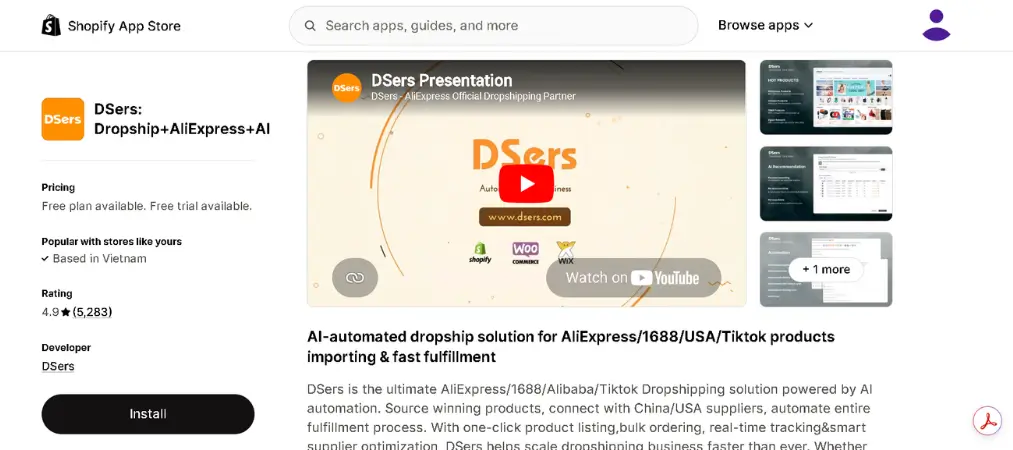
DSers is one of the most widely used dropshipping apps on the Shopify App Store, with over 5,400 reviews and a 4.9-star rating. It is purpose-built for merchants who source products from AliExpress and want to process orders at scale without doing it manually.
Key features include:
- Bulk order processing — place hundreds of orders to AliExpress suppliers in seconds, saving hours of manual work
- Supplier optimizer — find alternative suppliers for the same product automatically if your current one runs out of stock
- Automated order sync — orders placed on your store are pushed to suppliers instantly without manual input
- Variant mapping — map your store’s product variants to specific supplier variants with full control
| Free | Advanced | Pro | Enterprise | |
|---|---|---|---|---|
| Monthly Cost | $0 | $19.90 | $49.90 | $499.90 |
| Products | 3,000 | 20,000 | 75,000 | Unlimited |
| Stores | 3 | 10 | 25 | 50 |
The free plan is genuinely useful for beginners, covering the core features most new stores need. As your order volume grows, upgrading unlocks advanced mapping and multi-store management. DSers integrates natively with Shopify and is one of the few apps that officially replaced Oberlo as Shopify’s recommended AliExpress solution.
2. CJdropshipping — Much Faster
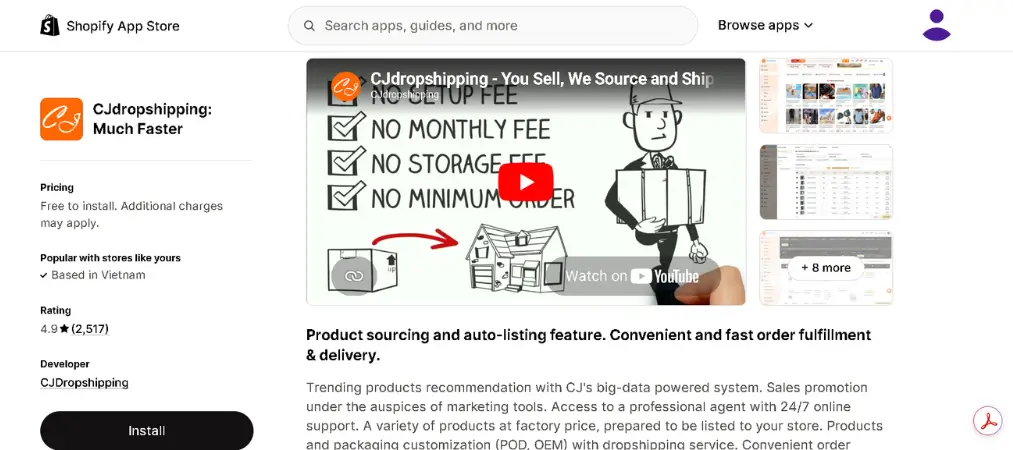
CJdropshipping is a full-service dropshipping platform with its own warehouse network spanning the US, Germany, Australia, Canada, the UK, France, and Italy. With over 2,500 reviews and a 4.9-star rating, it is one of the most trusted names in the Shopify dropshipping ecosystem.
Key features include:
- Global fulfillment network — ship from warehouses closest to your customer for faster delivery times
- Product sourcing on demand — request any product not in the catalog and CJ will source it for you
- Print-on-demand — create custom-branded products without minimum order quantities
- Automated order fulfillment — orders sync and are sent to CJ’s system automatically
| Free | Plus | Prime | Advanced | |
|---|---|---|---|---|
| Monthly Cost | $0 | $16 | $20 | $60 |
| Products | Unlimited | Unlimited | Unlimited | Unlimited |
| Key Benefit | Basic access | Product recommendations | VIP products | Exclusive discounts |
The free plan allows unlimited product imports, which is a significant advantage over many competitors that cap the free tier. Paid plans are best suited for growing stores that want priority support and exclusive product access.
3. Zendrop — AI Dropshipping & POD
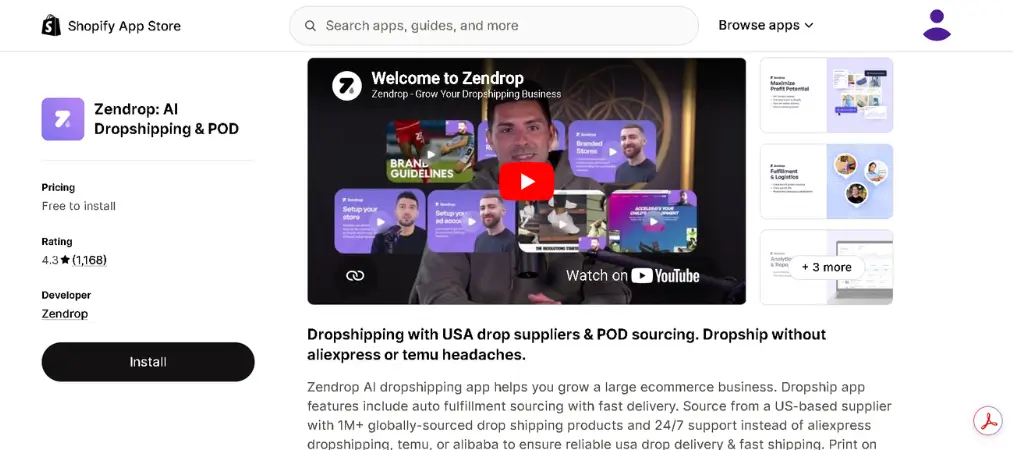
Zendrop is a premium dropshipping supplier platform designed for merchants who want automation, fast US/EU shipping, and a reliable support team. It has built a strong reputation among serious dropshippers for its vetted product catalog and industry-leading fulfillment speed.
Key features include:
- Automated order processing — every customer order is sent to suppliers and processed without manual intervention
- Fast US & EU shipping — fulfillment centers in the US and EU enable delivery times that rival major retailers
- Private label & custom packaging — high-volume sellers can brand products with their own logo and packaging
- AI-built store option — launch a ready-made Shopify store in minutes without building from scratch
| Free | Pro | Plus | |
|---|---|---|---|
| Monthly Cost | $0 | $49 | $79 |
| Products | 1,000 | Unlimited | Unlimited |
| Key Benefit | Basic sourcing | Full automation | Private label access |
Zendrop is particularly strong for sellers who prioritize shipping speed and brand building. The free plan gives new merchants enough room to test the platform, while the Pro and Plus plans unlock the full automation and customization suite that makes Zendrop stand out.
4. Printify — Print on Demand
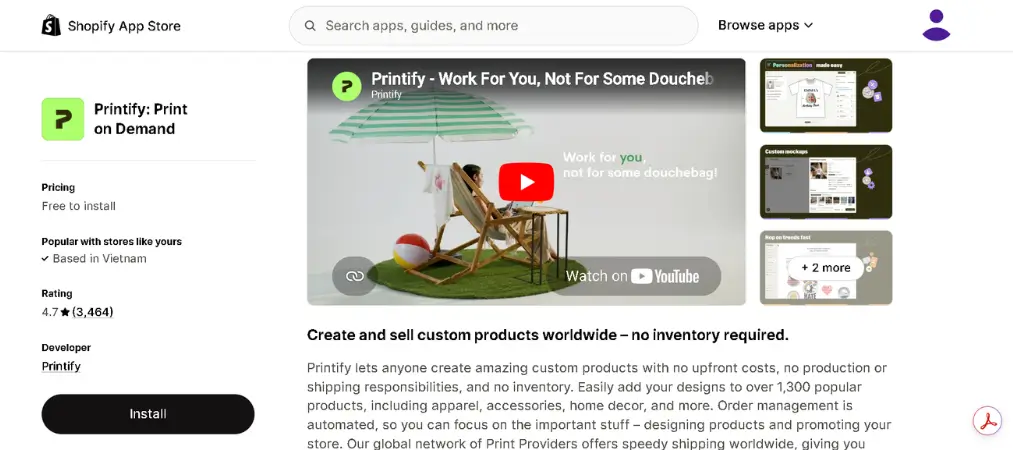
Printify is the go-to print-on-demand platform for Shopify store owners who want to sell custom-designed products. With nearly 2,900 reviews and a 4.7-star rating, it connects you to a global network of print providers who manufacture and ship products only when an order is placed.
Key features include:
- 900+ customizable products — from t-shirts and hoodies to phone cases, mugs, tote bags, and wall art
- Global print provider network — choose from providers in the US, UK, EU, and beyond to optimize shipping speed
- Mockup generator — create professional product images without a photo shoot
- Automatic order routing — orders go directly to the print provider for production and shipment
| Free | Premium | Enterprise | |
|---|---|---|---|
| Monthly Cost | $0 | $29 | Custom |
| Stores | 5 | 10 | Unlimited |
| Product Discount | — | Up to 20% | Custom rates |
The free plan is fully functional and suitable for most new stores. The Premium plan is worth it once you have consistent order volume, as the up-to-20% discount on all products can significantly improve your profit margins.
5. Printful — Print on Demand
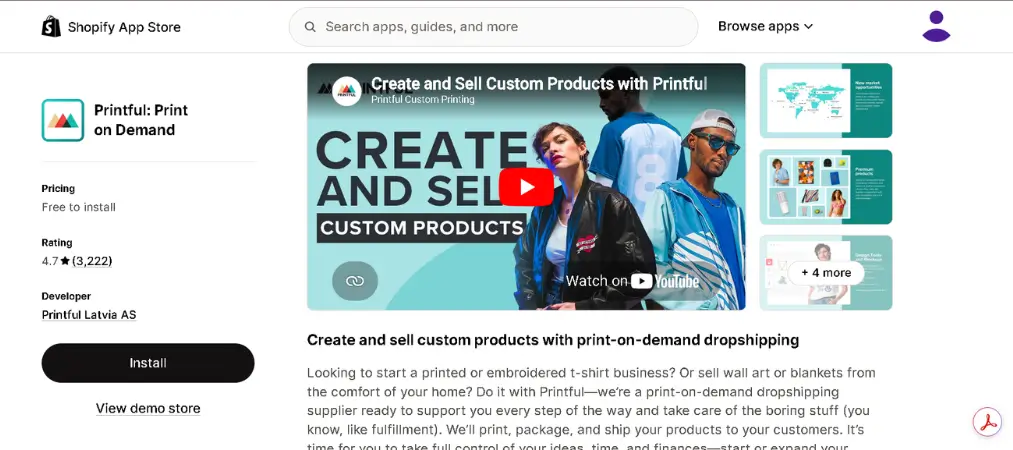
Printful is one of the most established print-on-demand services integrated with Shopify, holding over 3,000 reviews and a 4.8-star rating. It handles the entire fulfillment process in-house, meaning it owns and operates its own production facilities rather than outsourcing to third-party printers.
Key features include:
- In-house production — Printful owns its fulfillment centers in the US, Europe, and Canada, ensuring consistent quality control
- Embroidery & all-over print — supports a wider range of printing techniques than most POD competitors
- Branding options — add custom labels, packing slips, and packaging inserts to create a branded unboxing experience
- No minimum orders — produce and ship single items at no extra cost
| Free | Growth | Business | |
|---|---|---|---|
| Monthly Cost | $0 | $24.99 | Custom |
| Key Benefit | Full catalog access | 20% off products & 7% off branding | Volume discounts |
| Best For | Beginners | Growing stores | High-volume sellers |
Printful’s in-house production gives it an edge in quality consistency compared to marketplace-style POD platforms. The free plan covers everything you need to launch, and the Growth plan pays for itself quickly once your monthly order volume picks up.
6. Syncee — Premium AI Dropshipping
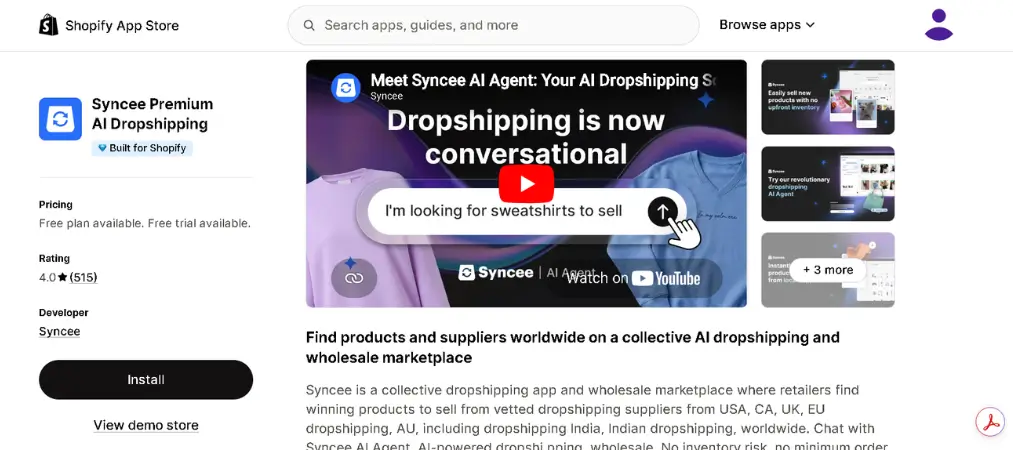
Syncee connects Shopify merchants to a curated network of pre-vetted suppliers based primarily in the US, EU, and UK. It holds a 4.1-star rating from nearly 500 reviews and is a Built for Shopify certified app, meaning it meets Shopify’s highest standards for performance and integration.
Key features include:
- Verified supplier network — all suppliers are pre-vetted for product quality and reliability before being listed
- AI product recommendations — the platform suggests trending products based on your store’s niche and performance data
- Automated inventory sync — stock levels and pricing update in real time to prevent overselling
- One-click import — add products to your Shopify store instantly with all images and descriptions included
| Free | Basic | Pro | Business | |
|---|---|---|---|---|
| Monthly Cost | $0 | $29 | $79 | $129 |
| Products | 25 | 500 | 5,000 | 25,000 |
| Key Benefit | Trial access | Small catalog | Growing stores | Large catalogs |
Syncee is a strong choice for merchants who want reliable, domestic-sourced products with faster shipping times for US and European customers. The free plan is limited, but the Basic plan at $29/month is a reasonable entry point for stores ready to scale with quality suppliers.
How to Launch Dropshipping Shopify Stores Step by Step
Step 1: Create Your Shopify Account
Start by signing up for a Shopify account. Shopify offers a free trial period, which gives you time to set up your store before committing to a paid plan. During setup, choose a theme that matches your niche and brand direction. Shopify’s theme library includes both free and premium options that are mobile-optimized and professionally designed.
Step 2: Install a Dropshipping App
Head to the Shopify App Store and install a dropshipping app that suits your goals. If you want access to a massive product catalog with low prices, DSers or CJdropshipping are solid starting points. If fast domestic shipping is a priority, Zendrop or Spocket offer supplier networks based in the US and EU. For custom products, Printify or Printful give you creative control.
Step 3: Import Products and Set Prices
Once your app is connected, browse the supplier catalog and import products into your store with one click. Most apps transfer product images, descriptions, and variants automatically. From there, set your selling price. A common approach is to apply a fixed markup, such as pricing each item at 60 to 80 percent above the supplier cost, though this varies depending on your niche and competition.
Step 4: Set Up Payments and Shipping
Integrate a payment gateway so customers can check out smoothly. Shopify Payments is the built-in option, but you can also connect PayPal, Stripe, or other providers. Next, configure your shipping zones and rates based on where your customers are located and what your suppliers charge for delivery.
Step 5: Customize and Brand Your Store
Use Shopify’s customization tools to make your store feel unique. Add a custom logo, choose consistent brand colors, write compelling product descriptions, and use high-quality images. Stores that look professional and trustworthy convert significantly better than generic-looking sites. If you want a shortcut, some apps like Zendrop and AutoDS offer AI-built pre-made stores that you can customize and launch quickly.
Step 6: Market Your Store
Launching your store is just the beginning. To drive traffic and generate sales, you need a marketing strategy. Paid social media advertising on platforms like Facebook, Instagram, and TikTok allows you to target specific audiences based on interests, demographics, and behaviors. Influencer partnerships can also drive traffic, especially in lifestyle, beauty, or fitness niches.
Search engine optimization is another powerful tool for dropshipping Shopify stores. Publishing informative blog content, optimizing product page titles and meta descriptions, and building backlinks can bring in consistent organic traffic over time without relying entirely on paid ads.
Choosing the Right Suppliers for Your Shopify Dropshipping Store
The success of a Shopify dropshipping store depends heavily on supplier quality. A reliable supplier delivers products on time, maintains accurate stock levels, and handles returns professionally. Here are the key factors to evaluate before committing to any supplier.
Shipping speed matters enormously for customer satisfaction. Suppliers with warehouses close to your customer base can typically deliver within a few days, which puts you on par with major retailers. Always check where a supplier’s fulfillment centers are located and whether they serve your primary markets efficiently.
Product quality directly affects your store’s reputation and return rates. Order product samples before listing items in your store to verify that what customers receive matches what is shown in photos. Reading reviews from other merchants is also a useful way to gauge supplier reliability before committing.
Platform integration is essential for keeping operations smooth. The best suppliers for dropshipping Shopify stores have official apps in the Shopify App Store that sync orders, inventory, and tracking information automatically. Manual order processing slows you down and increases the chance of errors.
Pricing transparency is another key criterion. Reputable suppliers clearly list product prices, shipping fees, and subscription costs. Avoid platforms with hidden charges, as these can erode your profit margins unexpectedly.
Best Practices for Running Successful Dropshipping Shopify Stores
Once your store is live, a few habits will help you maintain steady growth and avoid common pitfalls.
Monitor your supplier performance regularly. Check shipping times, track customer complaints, and watch for any quality issues. If a supplier’s performance drops, have a backup option ready to avoid disruptions.
Invest in your product listings. A well-written description, strong headline, and clear images can significantly improve your conversion rate. Avoid copying supplier descriptions verbatim, as unique content also helps with search engine rankings.
Focus on a specific niche rather than selling a wide variety of unrelated products. Niche stores build stronger brand identity, attract more targeted traffic, and are easier to market effectively. Whether you choose beauty products, pet supplies, home decor, or tech accessories, a clear focus makes your store more memorable and competitive.
Build an email list from day one. Even a small list of engaged subscribers gives you a direct channel to announce new products, run promotions, and recover abandoned carts. Email marketing consistently delivers one of the highest returns on investment of any channel.
Wrap Up
Building a profitable Shopify dropshipping store is absolutely achievable, but it requires the right tools, reliable suppliers, and a consistent approach to marketing and customer service. The Shopify ecosystem offers an exceptional foundation, with a wide selection of dropshipping apps, built-in order management, and powerful customization features that make it easier than ever to launch and scale.
Whether you are just starting out or looking to improve an existing operation, the combination of a well-structured Shopify dropshipping store, the right supplier partnerships, and a focused marketing strategy gives you everything you need to build a sustainable online business.
As your store grows, managing orders professionally becomes just as important as sourcing great products — learn how a Shopify invoice generator can help you automate invoicing and keep your operations running smoothly.