Table of Contents
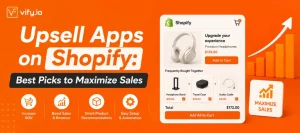
Every Shopify merchant faces the same math problem: acquiring new customers is expensive, but the customers already on your site are a goldmine waiting to be tapped. That’s where upsell apps on Shopify come in. By showing the right offer at the right moment — before checkout, inside the cart, or right after payment — you can increase your average order value (AOV) by 15–30% without spending an extra dollar on ads.
This guide reviews the best upsell apps for Shopify, compares them at a glance, and helps you choose the right one for your store size and strategy.
Table of Contents
What Is a Shopify Upsell App and Why Does It Matter?
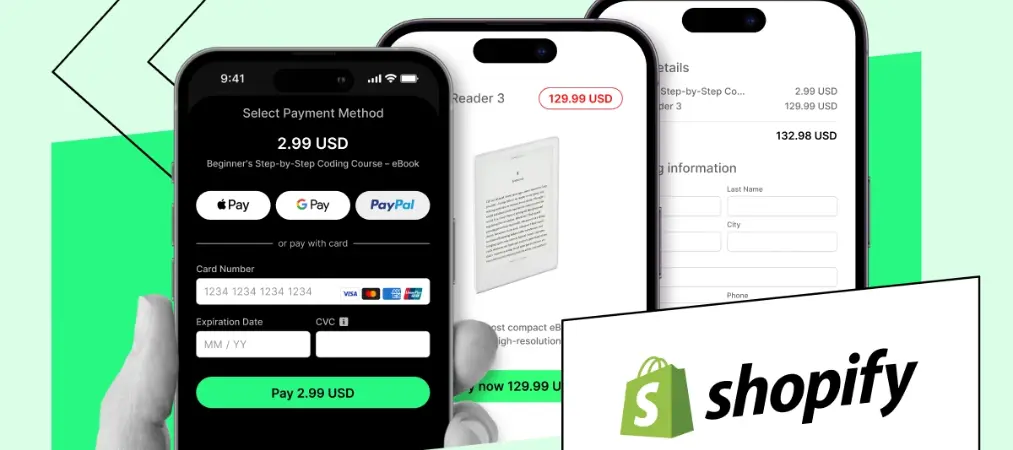
A Shopify upsell app presents customers with a higher-value offer or complementary product at a high-intent moment — on the product page, in the cart, at checkout, or on the thank-you page. Unlike traditional ads, upsells target buyers who have already said “yes” to your brand, making conversion rates significantly higher.
Pre-purchase upsells on product pages convert at 3–8%, in-cart upsells at 5–12%, and post-purchase upsells at 10–20% because customers are in a buying mindset having just completed a purchase. Choosing the right placement — and the right app — is what separates a flat AOV from a growing one.
If you’re still setting up your Shopify store, check out our Shopify Website Builder for eCommerce: Full Guide to make sure your foundation is solid before adding upsell tools.
Upsell Apps for Shopify: At a Glance Comparison
| App | Rating | Best For | Free Plan | Starting Price |
|---|---|---|---|---|
| Selleasy | ⭐ 4.9/5 | All store sizes | ✅ (up to 50–100 orders/mo) | Free → $8.99/mo |
| AfterSell | ⭐ 4.9/5 | Shopify Plus / post-purchase | ❌ (30-day trial) | $34.99/mo |
| ReConvert | ⭐ 4.9/5 | Thank-you page optimization | ✅ (49 orders/mo) | $4.99/mo + 0.75% rev share |
| Zipify OneClickUpsell | ⭐ 4.8/5 | Full-funnel DTC brands | ❌ | $8/mo + 1% upsell revenue |
| Bold Upsell | ⭐ 4.7/5 | Established stores / AI offers | ✅ | $9.99/mo |
The Best Shopify Upsell Apps, Reviewed
1. Selleasy – Best Free Upsell App for Shopify
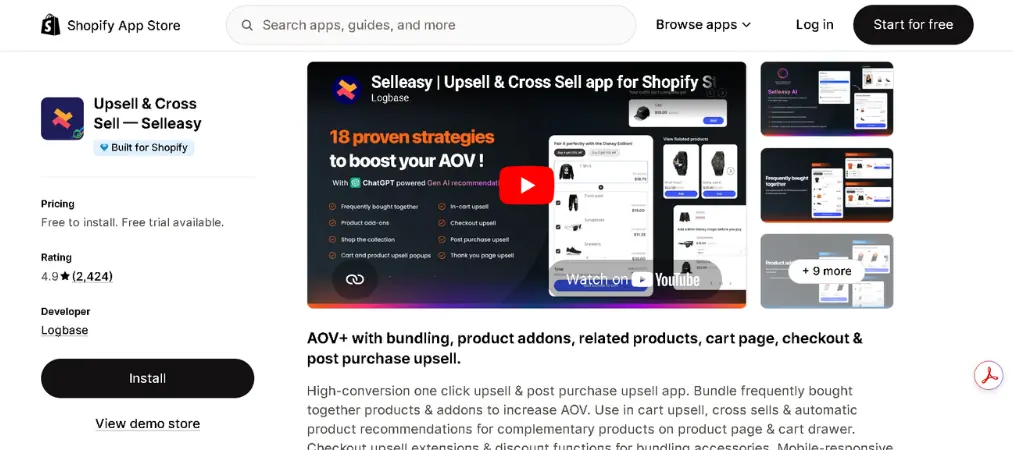
Rating: 4.9/5 (2,400+ reviews) | Built for Shopify: ✅
Core Features:
- Frequently bought together bundles
- In-cart upsell widgets
- Post-purchase one-click offers
- Product page add-on recommendations
- Multi-language and multi-currency support
Pros:
- Most generous free tier (up to 100 orders/month, all features included)
- Zero transaction fees on any plan
- Simple no-code setup; fits most Shopify themes
- Free Zoom onboarding support
Cons:
- Limited A/B testing capabilities
- AI recommendations less sophisticated than enterprise-tier competitors
- No deep checkout-level integration without Shopify Plus
Why We Recommend It:
Selleasy offers the most generous free tier — 100 orders per month with all features included — making it the top choice for stores that want to start upselling without upfront costs. It covers product pages, cart, and post-purchase in a single lightweight install. If you’re just starting out with upsell apps on Shopify, Selleasy is the safest, lowest-friction entry point.
2. AfterSell – Best for Shopify Plus & High-Volume Stores
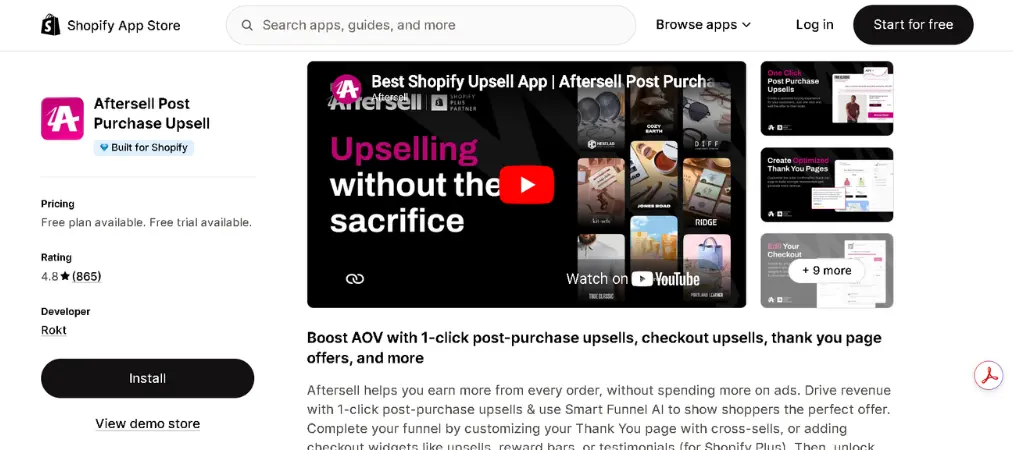
Rating: 4.9/5 (14,000+ reviews) | Built for Shopify: ✅
Core Features:
- Native Checkout Extensibility blocks
- One-click post-purchase upsell funnels
- Thank-you page editor
- A/B testing with revenue attribution
- Social proof integration at checkout
- Advanced targeting by UTM, customer tags, and geo
Pros:
- Flat-fee pricing — no revenue share, costs stay predictable at scale
- 30-day free trial with a “Positive ROI Guarantee”
- Best-in-class A/B testing and enterprise-grade targeting
Cons:
- Entry price ($34.99/mo) is higher than most competitors
- Overkill for small stores with fewer than 100 monthly orders
Why We Recommend It:
AfterSell is the right pick for established stores wanting deep post-purchase plus thank-you page coverage. The 14,000-plus review base reflects long-term satisfaction at scale, and the depth of feature coverage justifies the entry price for stores running serious post-purchase operations. For merchants spending heavily on paid media and needing enterprise-grade upselling, AfterSell is purpose-built for you.
3. ReConvert – Best Thank-You Page Upsell App for Shopify
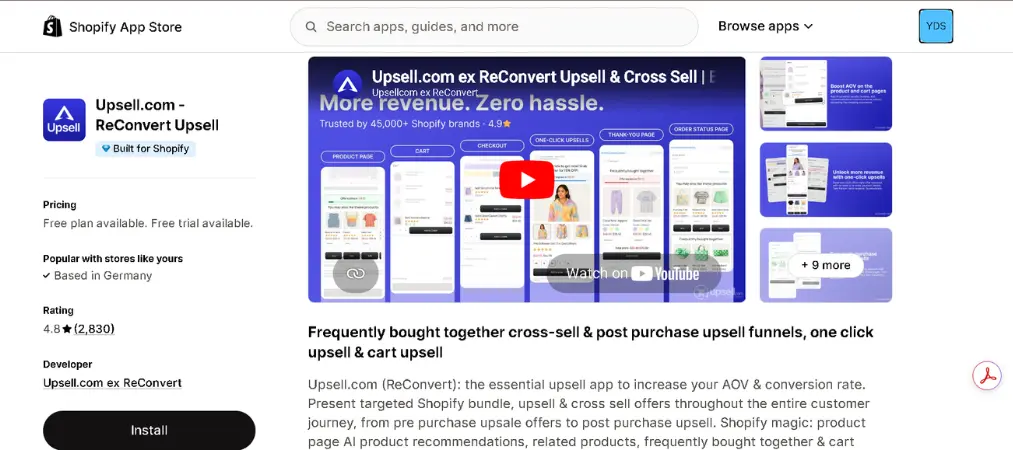
Rating: 4.9/5 (3,000+ reviews)
Core Features:
- Drag-and-drop thank-you page builder
- Post-purchase one-click upsell and downsell sequences
- Birthday collector and customer survey widgets
- AI-powered product recommendations
- Checkout upsells (Shopify Plus)
Pros:
- Best-in-class thank-you page editor
- Low entry price with a free tier
- Highly flexible widget system — surveys, reorder buttons, community tools
Cons:
- Revenue share (0.75%) compounds quickly at high order volumes
- A significant controversy emerged in early 2026: multiple Shopify stores discovered that ReConvert was displaying third-party ads on their checkout and thank-you pages without consent, confirmed by the developer as an intentional “feature.” Brand-conscious merchants should factor this in before installing.
Why We Recommend It:
ReConvert is the most popular post-purchase upsell app on Shopify, and its drag-and-drop editor is best-in-class for thank-you page customization. For stores whose primary goal is maximizing post-checkout revenue with rich widget options, ReConvert remains a powerful tool — just review the third-party ad settings carefully before going live.
4. Zipify OneClickUpsell – Best Full-Funnel Upsell App
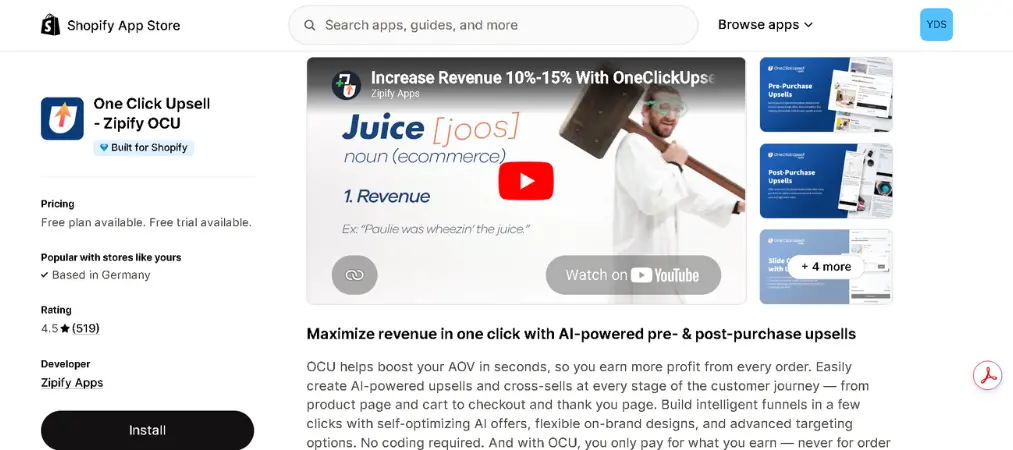
Rating: 4.8/5 | Built for Shopify: ✅ (two years running)
Core Features:
- Pre-purchase, cart, checkout, and post-purchase upsells
- Multi-step funnel logic (accept offer 1 → trigger offer 2)
- AI product recommendations
- Shop App upsells
- 4-way simultaneous split testing
Pros:
- Deepest full-funnel coverage of any single app
- Native Shopify Plus checkout integration
- Revenue-based pricing — you only pay more when upsells are accepted
- Strong DTC brand community and support
Cons:
- Pricing starts at $8/month plus 1% of upsell revenue, and full-funnel coverage can require additional integrations, adding to overall cost and complexity.
- Steeper learning curve for lean teams
Why We Recommend It:
Stores running multi-step post-purchase funnels — where accepting offer 1 triggers offer 2, and declining triggers a downsell — need the funnel logic that Zipify built specifically for this pattern. DTC brands managing large catalogs and serious AOV ambitions will find Zipify’s depth unmatched.
5. Bold Upsell – Best for Long-Established Stores
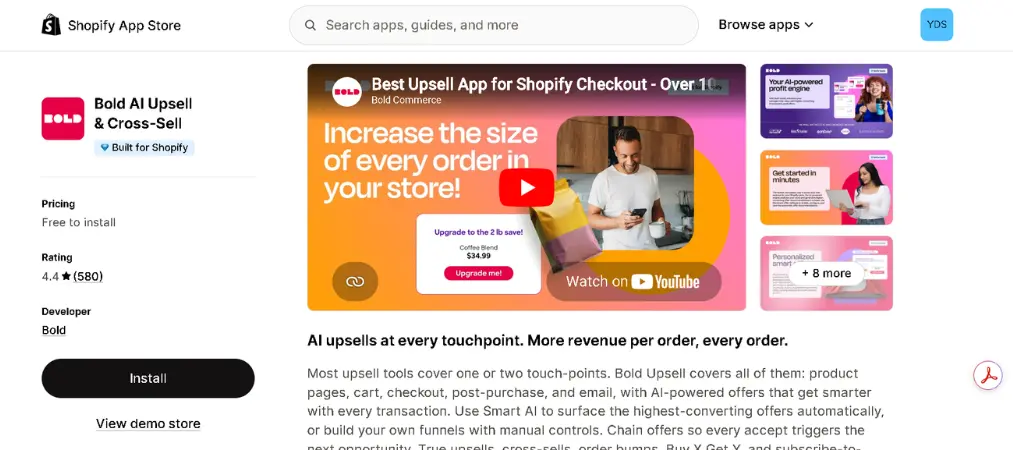
Rating: 4.7/5 (150,000+ brands)
Core Features:
- SMART AI offers that learn and improve over time
- Product page and cart upsell popups
- Shopify Plus checkout integration
- Integration with the broader Bold Commerce ecosystem
Pros:
- 150,000+ brands — one of the most battle-tested apps on the platform
- AI-powered suggestions improve automatically over time
- Free plan available; no transaction fees
Cons:
- Interface feels dated compared to newer competitors
- Best value when used alongside other Bold Commerce tools
Why We Recommend It:
Bold Upsell is one of the oldest upsell apps on Shopify, and its AI-powered SMART offers learn and improve over time — making it especially effective for stores with rich historical order data. If you’re already in the Bold Commerce ecosystem, it’s a natural, low-disruption fit.
Pricing Breakdown: How Much Do Shopify Upsell Apps Cost?
Understanding the pricing model matters as much as the monthly number — some apps charge a flat fee, others take a cut of your upsell revenue.
| App | Free Plan | Starter | Growth / Pro | Revenue Share? |
|---|---|---|---|---|
| Selleasy | ✅ Up to 50 orders/mo | $8.99/mo | ~$16.99/mo | ❌ No |
| AfterSell | ❌ (30-day trial) | $34.99/mo | $54.99/mo+ | ❌ No |
| ReConvert | ✅ 49 orders/mo | $4.99/mo | $14.99/mo+ | ✅ 0.75% on upsell revenue |
| Zipify OCU | ❌ | $8/mo (basic) | Scales up | ✅ ~1% of upsell revenue |
| Bold Upsell | ✅ Limited | $9.99/mo | $24.99/mo+ | ❌ No |
Key takeaways on pricing:
Three pricing models dominate the landscape: flat tiered pricing (monthly tiers from $29 to $499 based on feature depth and order volume), revenue-share models, and hybrid approaches.
Revenue share fees add up at scale, making flat-fee apps cheaper for high-volume stores. If your store is processing hundreds of upsell orders per month, AfterSell’s flat fee at $34.99/mo will almost always beat ReConvert or Zipify’s percentage-based models. Conversely, for low-volume stores still testing upsells, a revenue-share model means you only pay more when you earn more.
Selleasy offers the most generous free tier — 100 orders per month with all features included. ReConvert is second with 49 orders per month free.
How to Choose the Right Upsell App for Your Shopify Store
The best upsell app for Shopify depends on your plan, order volume, and funnel goals:
- Under 100 orders/month or just starting out → Selleasy (free, full-featured)
- Mid-size store focused on post-purchase → ReConvert or AfterSell
- Shopify Plus with high ad spend → AfterSell (flat fee, no revenue share)
- DTC brand wanting full-funnel control → Zipify OneClickUpsell
- Already using Bold Commerce tools → Bold Upsell
Most upsell apps work on all Shopify plans. Only checkout page customization requires Shopify Plus. Cart upsells, thank-you page offers, and post-purchase upsells all work on standard plans.
Common Questions About Upsell Apps for Shopify
Do I need a paid upsell app, or is a free plan enough?
A free plan works well if you process fewer than 50–100 orders per month and just want basic product suggestions. A free plan is enough if you have fewer than 50 orders per month and just want basic product suggestions. Selleasy and Essential Upsell both offer solid free plans. Upgrade to paid when you need post-purchase funnels, A/B testing, behavioral targeting, or your order volume exceeds free tier limits.
Will installing a upsell app slow down my Shopify store?
Well-built apps have minimal impact on storefront performance. Apps that use Shopify’s native app blocks and Checkout Extensibility — like AfterSell, Selleasy, and Zipify — are the safest bets. Post-purchase apps run on the order confirmation page, which has no effect on your main storefront speed at all. Always benchmark your store speed before and after installing any new app.
What’s the difference between an upsell and a cross-sell?
An upsell encourages customers to buy a higher-value version of what they’re already considering — for example, upgrading from a single item to a three-pack. A cross-sell recommends a complementary product alongside the original purchase. Most upsell apps for Shopify support both mechanics from a single install.
Do checkout upsells require Shopify Plus?
Yes — offers placed directly inside the Shopify checkout page require Shopify Plus and Checkout Extensibility. However, product page upsells, in-cart offers, and post-purchase upsells (on the thank-you page) all work on standard Shopify plans.
Can I run more than one upsell app at the same time?
You can, but it comes with risks. Multiple Shopify stores cite app sprawl as a real problem: uncoordinated upsell offers, conflicting discount logic, and checkout stability issues from running too many extensions. If possible, choose a single app that covers all your required placements rather than stacking multiple tools.
How quickly can I expect to see results?
Most merchants report measurable AOV improvements within the first two weeks of running an active upsell offer. The speed of results depends heavily on your offer relevance, placement, and traffic volume. Starting with a post-purchase offer is the fastest path to results since it doesn’t risk disrupting your existing checkout flow.
Final Thoughts
Upsell apps on Shopify are one of the highest-ROI investments a merchant can make — you’re converting traffic you’ve already paid for into more revenue per transaction. Whether you pick the generous free tier of Selleasy, the enterprise muscle of AfterSell, or the full-funnel depth of Zipify OneClickUpsell, the right tool is the one that matches your store’s current stage and growth goals.
Start with one app, measure your AOV lift in the first 30 days, and scale from there. The best Shopify upsell app isn’t the most expensive one — it’s the one your customers actually say yes to.
Upselling pairs especially well with retention strategies — learn how to keep those higher-AOV buyers coming back with our guide on building a customer loyalty program.