Table of Contents
Choosing the right Shopify bundle apps can be the difference between a bundling strategy that quietly increases your average order value and one that customers scroll right past. With dozens of options in the Shopify App Store, it’s easy to get overwhelmed trying to figure out which bundle Shopify app actually delivers on its promises.
To save you the research time, this guide breaks down the best bundle apps for Shopify, how they compare, how to get one running on your store, and what to look for before you commit to a paid plan.
Table of Contents
What Is a Shopify Bundle App?
A Shopify bundle app is a third-party tool that lets merchants group multiple products into a single offer — often at a discounted price — without manually creating and managing variant combinations. Instead of building bundles by hand in the Shopify admin, these apps automate pricing rules, inventory syncing, and the storefront display, so customers see a polished bundle widget right on the product or collection page.

Most shopify apps bundles solutions on the market today support several bundle formats: fixed bundles, mix-and-match kits, volume discounts, and BOGO deals. The right app depends less on which one is “best” overall and more on which bundle types match your catalog and how much design flexibility you need.
If you’re still setting up your store’s foundation before adding bundle apps, check out this guide on how to set up a Shopify store first.
Why Merchants Use Bundling Strategies
Beyond raising average order value, bundling strategies help stores clear slow-moving inventory, present better perceived value, and — when paired with post-purchase offers — build repeat purchase habits. That last point matters more than most merchants realize.
A well-structured bundle strategy also feeds directly into repeat purchase behavior, which is the same principle behind an effective customer loyalty program.
Types of Bundles You Can Build
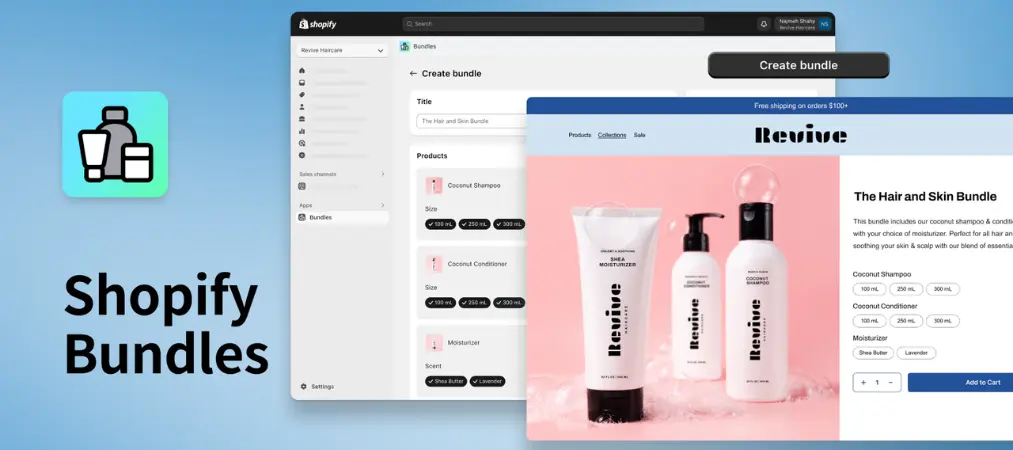
Not every bundle Shopify app supports the same bundling formats, so it helps to know which type fits your store before you start comparing pricing tiers.
- Fixed bundles: A set group of products sold together at one price — think a skincare trio or a starter kit. These are the easiest to set up and manage.
- Mix-and-match bundles: Customers pick a set number of items from a curated list (e.g., “choose any 3 for $30”), giving them flexibility while you still control margins.
- Volume/quantity break bundles: Discounts that scale with quantity, like “buy 2, save 10%” or “buy 5, save 20%” — useful for consumables and repeat-purchase items.
- BOGO and gift-with-purchase bundles: Classic promotional bundles that add a free or discounted item when a condition is met.
- Build-a-box bundles: Customers assemble their own box from a broader catalog, often with a minimum item count — common for subscription-style or gift stores.
Most of the Shopify apps bundles covered in this guide support at least three of these formats, but the depth of customization varies quite a bit, which is exactly what the testing process below was designed to surface.
Comparison at a Glance
| App | Best For | Shopify Rating | Starting Price |
|---|---|---|---|
| Simple Bundles | Overall flexibility | 4.8/5 | Free / from $14/mo |
| Fast Bundle Product | Customizable editor | 5/5 | Free / from $19/mo |
| FoxSell Bundles | Complex bundling needs | 5/5 | Free / from $49/mo |
| Kaching | Fast setup | 5/5 | Free / from $14.99/mo |
| Bundler | Budget-conscious stores | 4.9/5 | Free / from $8.99/mo |
Best Shopify Bundle Apps: In-Depth Reviews
Simple Bundles — Most Versatile Option
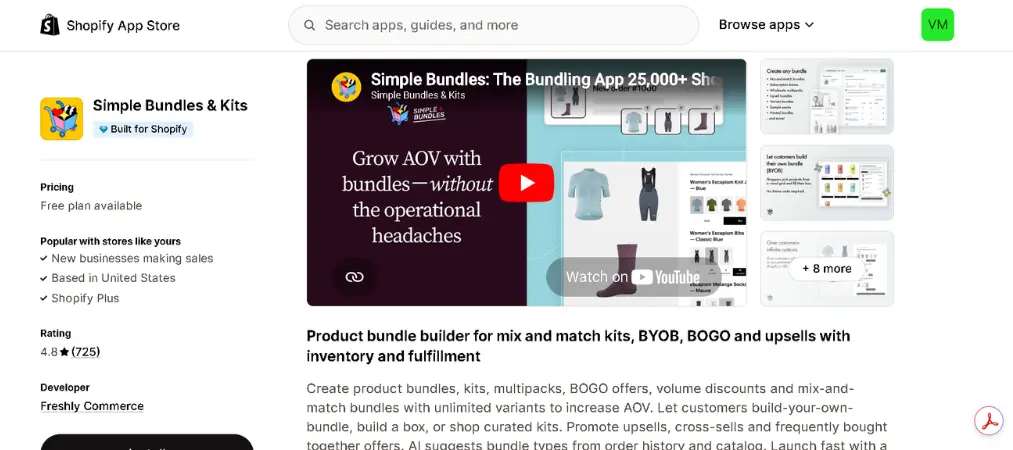
Simple Bundles stands out for merchants who want granular control over bundle logic, from tiered pricing to build-your-own kits, without sacrificing storefront speed.
- Key features: SKU-level inventory syncing, dynamic and tiered bundles, POS and Markets support, customizable app blocks
- Pros: Deep customization, reliable performance, free plan available
- Cons: Steeper learning curve for beginners
- Shopify rating: 4.8/5
| Plan | Price |
|---|---|
| Free | $0 (up to 3 bundles) |
| Paid | From $14/month |
👉 Try App →
Fast Bundle Product — Best Editor for Custom Design
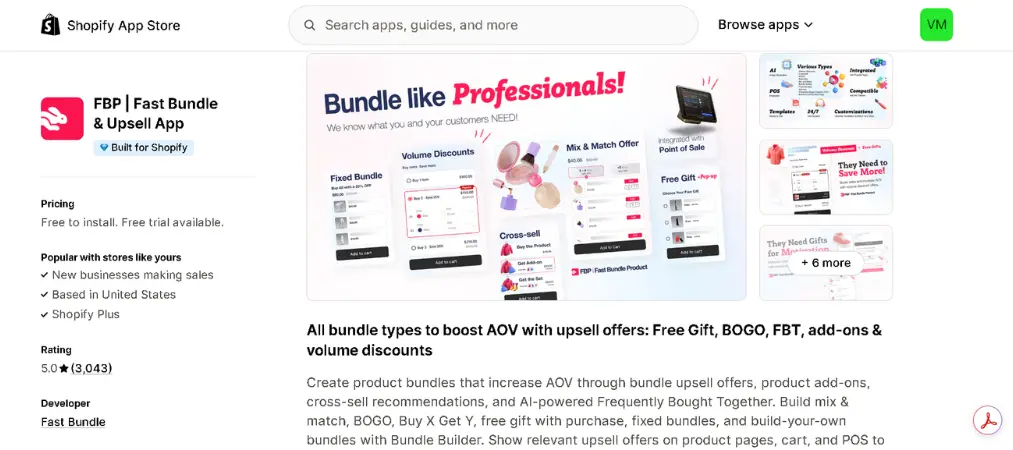
Fast Bundle Product leans into visual customization, offering an AI-assisted suggestion engine alongside a drag-and-drop editor for merchants who want bundles that match their brand exactly.
- Key features: 8 bundle types, AI-generated product suggestions, custom CSS/JS support, theme block placement
- Pros: Strong design flexibility, responsive 24/7 support
- Cons: Advanced customization options may overwhelm new users
- Shopify rating: 5/5
| Plan | Price |
|---|---|
| Trial | 7 days free |
| Paid | From $19/month |
🚀 Install Now →
FoxSell Bundles — Built for Complex Catalogs
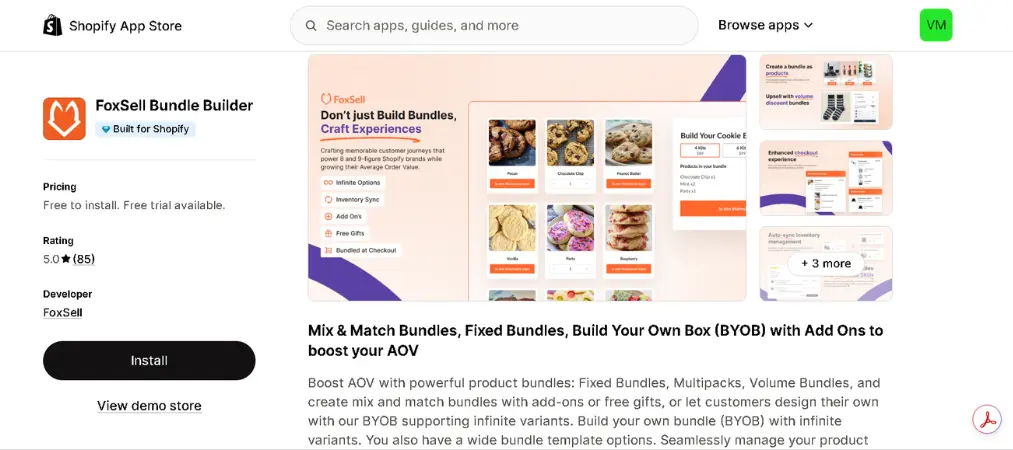
FoxSell is geared toward larger catalogs that need fixed, volume, and build-a-box bundles running simultaneously, backed by automated inventory syncing.
- Key features: Build-a-box with unlimited variants, automated inventory management, performance analytics
- Pros: Handles complex product relationships well, useful analytics dashboard
- Cons: Higher starting price than competitors
- Shopify rating: 5/5
| Plan | Price |
|---|---|
| Free | Up to $1,000/mo bundle sales |
| Paid | From $49/month |
📄 Start Now →
Kaching — Fastest Setup Process
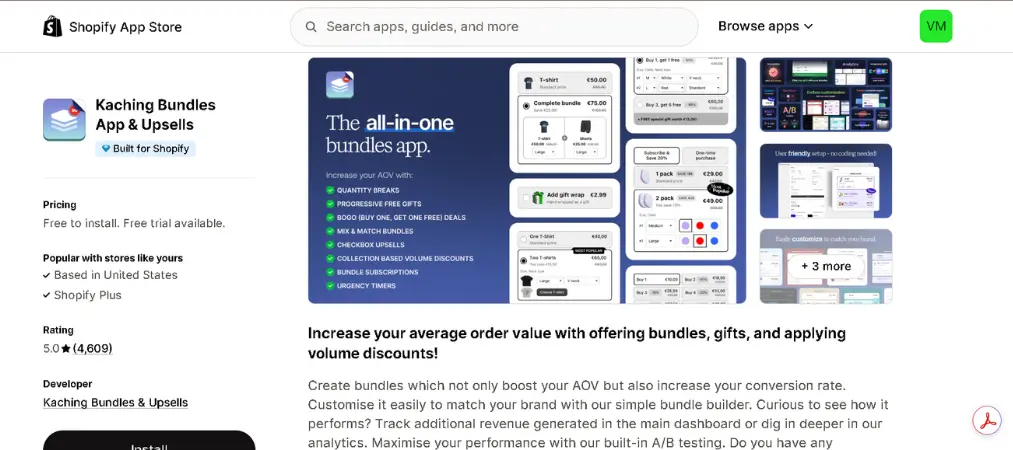
Kaching keeps everything inside the Shopify admin, which makes it one of the quickest shopify apps bundles tools to get running from scratch.
- Key features: Quantity breaks, BOGO, gift offers, multilingual bundle translation
- Pros: Simple two-step setup, beginner-friendly
- Cons: Fewer visual customization options than rivals
- Shopify rating: 5/5
| Plan | Price |
|---|---|
| Free | Development stores |
| Paid | From $14.99/month |
✅ Get App →
Bundler — Most Budget-Friendly Pick
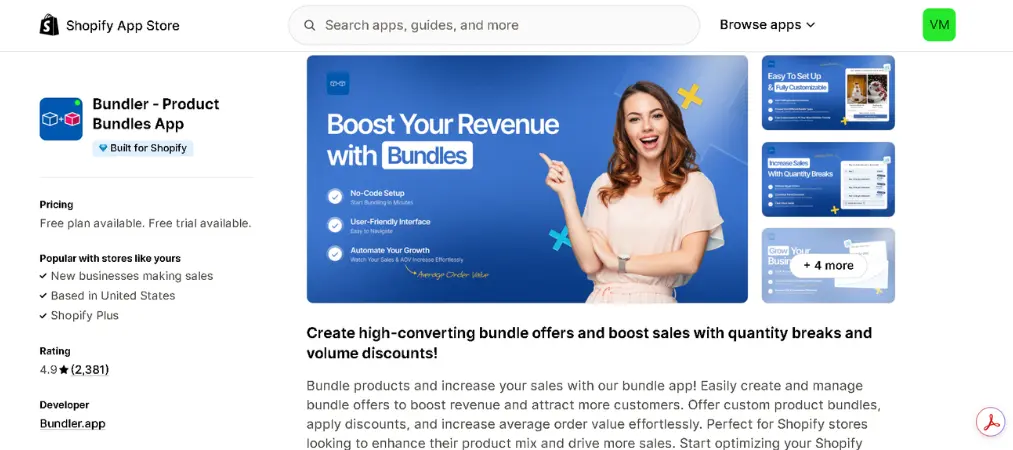
Bundler proves that a low price doesn’t have to mean weak functionality, offering unlimited bundles even on its free plan.
- Key features: Mix-and-match, funnel pop-ups, custom bundle landing pages, “Built for Shopify” badge
- Pros: Unlimited free bundles, low-cost paid tiers
- Cons: Interface can feel confusing at first
- Shopify rating: 4.9/5
| Plan | Price |
|---|---|
| Free | Unlimited bundles |
| Paid | From $8.99/month |
🚀 Install Now →
How I Put These Bundle Apps to the Test

Rather than relying only on app store listings and marketing copy, each app on this list was installed on a test Shopify store and evaluated hands-on across a few key criteria:
- Setup speed: How long it took to go from installation to a live, functioning bundle on the storefront.
- Bundle format coverage: Whether the app could handle fixed, mix-and-match, and volume-based bundles without needing a workaround.
- Storefront performance: Whether adding the bundle widget noticeably slowed down page load times.
- Inventory accuracy: Whether stock levels updated correctly across bundled and individual product listings after test orders.
- Support responsiveness: How quickly the app’s support team responded to a submitted test question.
- Pricing transparency: Whether the free plan was genuinely usable or just a stripped-down trial designed to push an upgrade.
This hands-on approach is why the rankings above favor apps that performed well in real use, not just the ones with the highest star count on the app listing page.
How to Install a Shopify Bundle App
Setting up a bundle Shopify app typically takes less than 10 minutes. Here’s the general process:
Step 1: Search the Shopify App Store. Log into your Shopify admin, go to the Apps section, and search for the bundle app you’ve chosen from the list above.
Step 2: Install and grant permissions. Click “Add app,” review the requested permissions (usually access to products and orders), and confirm the installation.
Step 3: Choose your plan. Most apps offer a free tier or trial. Select the plan that matches your store’s revenue and bundle volume needs.
Step 4: Build your first bundle. Use the app’s dashboard to select products, set your discount type (fixed price, percentage, or BOGO), and preview how it will look on the storefront.
Step 5: Publish and test. Add the bundle block to your theme via the theme editor, then place a test order to confirm pricing and inventory sync correctly.
Final Verdict
There’s no single best Shopify bundle apps solution for every store — it comes down to your catalog complexity, budget, and how much design control you want. Simple Bundles suits stores wanting flexibility, Fast Bundle Product is great for design-focused brands, and Bundler works well for lean budgets.
Once your bundles are driving more orders, keeping invoicing and order documentation professional matters just as much — that’s where Vify Order Printer comes in, helping you generate clean, branded PDF invoices for every bundle sale automatically.