Table of Contents
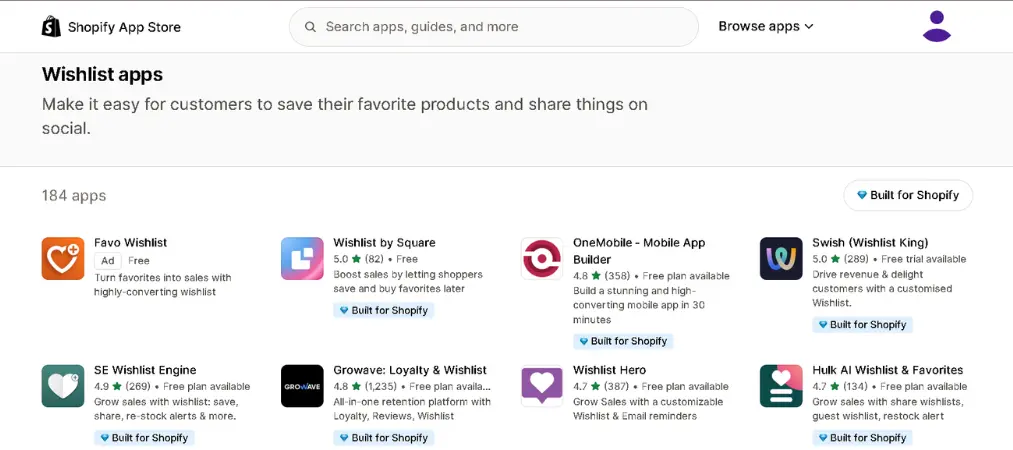
Letting shoppers save products they love — instead of losing them forever in a closed tab — is one of the simplest ways to recover lost sales. That’s exactly what a Shopify wishlist app does: it adds a “heart” or “save” button to your store so visitors can bookmark items, come back later, and (with the right app) get notified when those items go on sale or come back in stock.
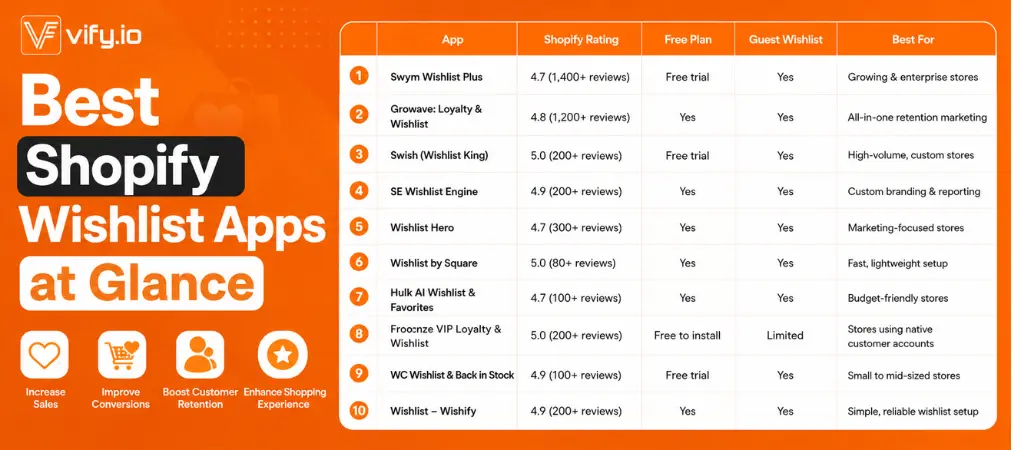
With numerous wishlist apps listed in the Shopify App Store, picking the right one isn’t easy. This guide breaks down the best Shopify wishlist apps for different store sizes and budgets — from full-featured platforms used by big-name retailers to a genuinely free wishlist app Shopify merchants can install in minutes. You’ll find a quick comparison table, a buyer’s checklist, and detailed reviews with real Shopify ratings and key features for each pick.
Table of Contents
Why Your Store Needs a Shopify Wishlist App
A wishlist does more than make your store feel nicer to browse. It gives you:
- Fewer abandoned carts — shoppers who aren’t ready to buy can save items instead of leaving for good
- Built-in remarketing data — you learn exactly which products customers want, even if they never purchase
- Automated email triggers — restock and price-drop alerts bring shoppers back without any manual work
- Higher repeat purchase rates — customers who build a wishlist tend to return more often
Wishlists also pair naturally with retention marketing. If you’re building out a broader retention strategy, it’s worth reading Vify’s guide on how to build a customer loyalty program — wishlist data is one of the easiest signals to feed into a loyalty or rewards system, since it tells you exactly what a customer wants before they’ve even paid for it.
Comparison at a Glance
How to Choose the Right Wishlist App for Your Store
Before installing anything, run each candidate against this checklist:
1. Guest wishlist support. Forcing shoppers to create an account before saving an item kills conversions. Look for apps that let both guests and logged-in customers build lists.
2. Restock and price-drop alerts. A wishlist without automated email reminders is just a bookmark. The best wishlist apps for Shopify send triggered emails the moment an item is back in stock or discounted.
3. Design flexibility. Your wishlist button and page should match your theme, not stick out like an unstyled plugin. Check whether the app offers no-code customization or requires developer help.
4. Integrations. If you already run email flows through Klaviyo, Omnisend, or a loyalty program, confirm the wishlist app syncs with it — otherwise that customer data stays siloed.
5. Pricing versus order volume. Many apps price their plans by monthly wishlist additions or orders generated, not just a flat fee. A free wishlist app Shopify merchants love at 100 orders/month can suddenly get expensive at 1,000.
6. Support quality. Read recent reviews specifically about response time — theme conflicts are common, and slow support can leave a broken “Add to Wishlist” button live on your site for days.
How to Install a Wishlist App on Shopify

Getting a wishlist app live on your store usually takes less than 15 minutes, regardless of which app you choose. Here’s the general process:
1. Find and install the app. Go to the Shopify App Store, search for your chosen wishlist app, and click “Add app.” You’ll be redirected to your Shopify admin to approve the installation and any requested permissions.
2. Choose a pricing plan. Most apps prompt you to select a plan right after install — pick the free tier or trial first if you want to test features before paying.
3. Enable the wishlist button. In the app’s dashboard, turn on the “Add to Wishlist” button and choose where it appears (product pages, collection grids, or both).
4. Match it to your theme. Use the app’s theme editor integration — usually found under Shopify’s Online Store > Themes > Customize — to drag the wishlist block into place and adjust colors, icon style, and button text so it blends with your storefront.
5. Set up a wishlist page. Create or select a page where customers can view their saved items; most apps generate this automatically and add it to your navigation menu.
6. Configure alerts. Turn on restock and price-drop email notifications, and connect your email platform (like Klaviyo) if the app supports it, so saved-item data flows into your existing marketing automations.
7. Test before launch. Add a product to your wishlist as both a guest and a logged-in customer to confirm the button, wishlist page, and email triggers all work correctly across desktop and mobile.
8. Publish and monitor. Once live, check the app’s analytics after a week or two to see which products get wishlisted most — that data is useful for planning restocks and future promotions.
In-Depth Reviews: The 10 Best Shopify Wishlist Apps
1. Swym Wishlist Plus
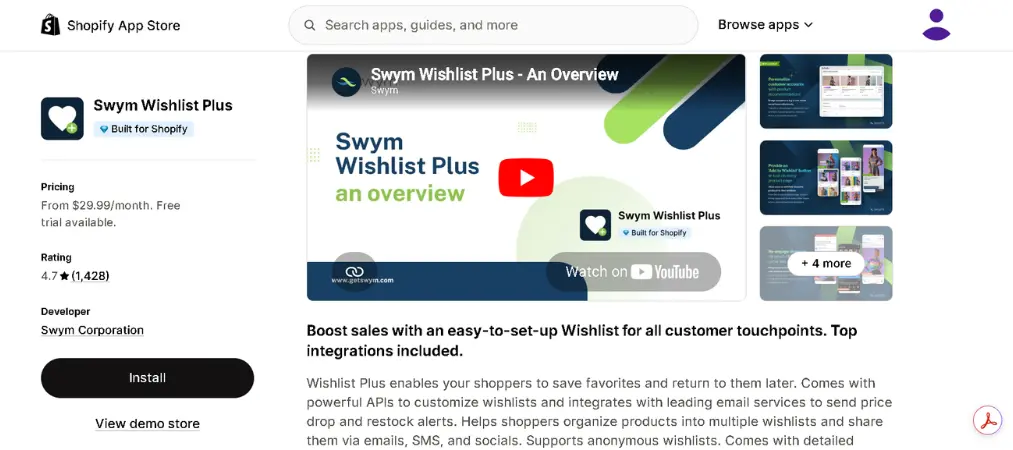
Swym is one of the most established options in this category, used by both small shops and larger names in fashion retail. It focuses on making the wishlist experience feel seamless across devices, so a shopper who starts browsing on mobile can pick up their saved list on desktop.
Shopify rating: 4.7 out of 5 (1,400+ reviews)
Key features:
- Unlimited wishlists with guest wishlist support
- Automatic restock and price-drop email alerts
- Cross-device syncing for logged-in shoppers
- Native integrations with Klaviyo and other email platforms
2. Growave: Loyalty & Wishlist
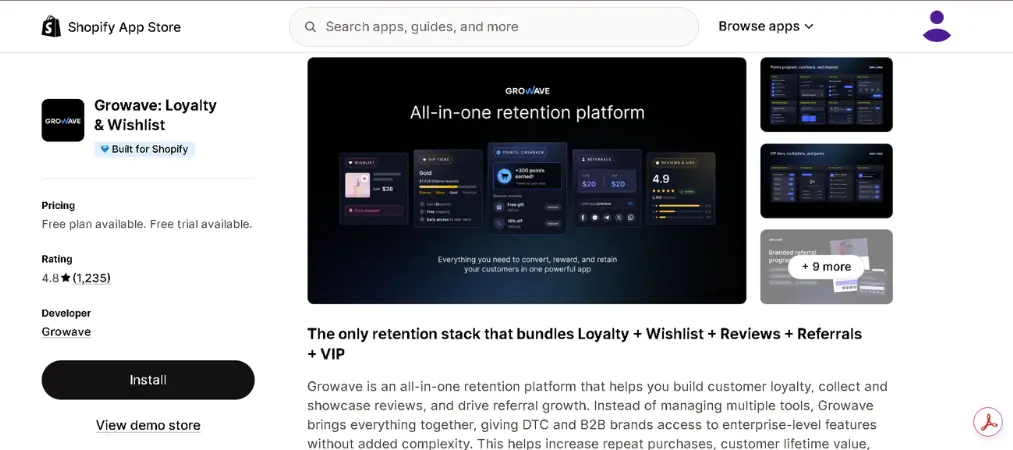
Growave bundles wishlists together with loyalty points, product reviews, and user-generated content, making it a strong pick if you’d rather manage retention tools from a single dashboard instead of stitching several apps together.
Shopify rating: 4.8 out of 5 (1,200+ reviews)
Key features:
- Wishlist, loyalty program, reviews, and UGC in one app
- Guest wishlist creation with a dedicated wishlist page
- Social login and social sharing for wishlisted items
- Fully customizable widget to match your storefront
3. Swish (Wishlist King)
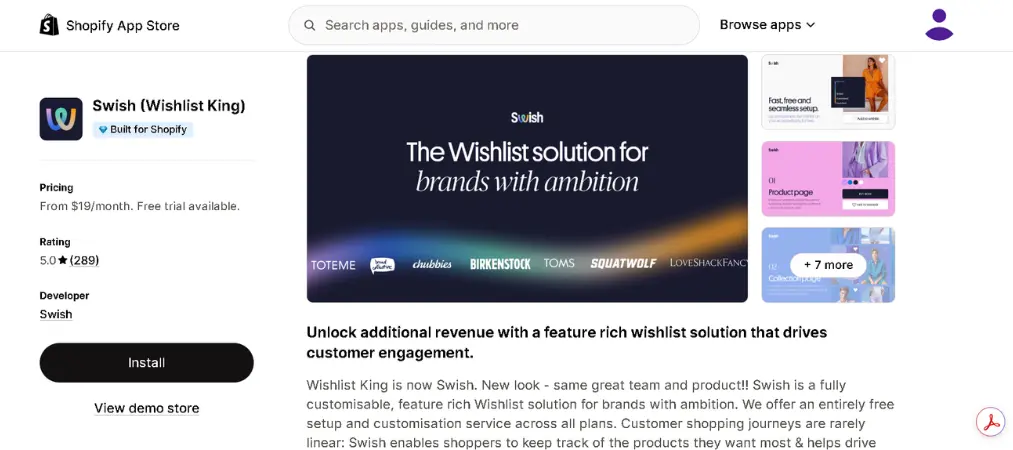
Swish is built with larger, higher-traffic stores in mind, offering the kind of deep customization that development teams typically ask for. It currently holds a perfect review score on the Shopify App Store, which reflects consistently positive feedback on both features and support.
Shopify rating: 5.0 out of 5 (200+ reviews)
Key features:
- Guest wishlist support alongside registered accounts
- Automated email notifications for restocks
- Developer-friendly customization options
- Designed to handle high product catalog volume
4. SE Wishlist Engine
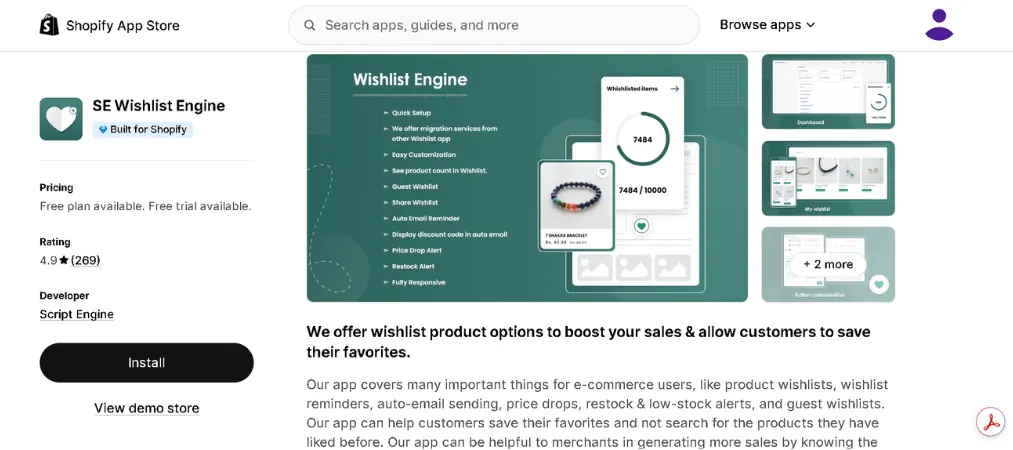
SE Wishlist Engine leans into reporting and design flexibility, giving store owners visibility into which products get saved most often — useful data for planning restocks or promotions.
Shopify rating: 4.9 out of 5 (200+ reviews)
Key features:
- Guest wishlist support
- Email and social sharing of saved items
- Advanced analytics and reporting
- Individually customizable design to match your theme
5. Wishlist Hero
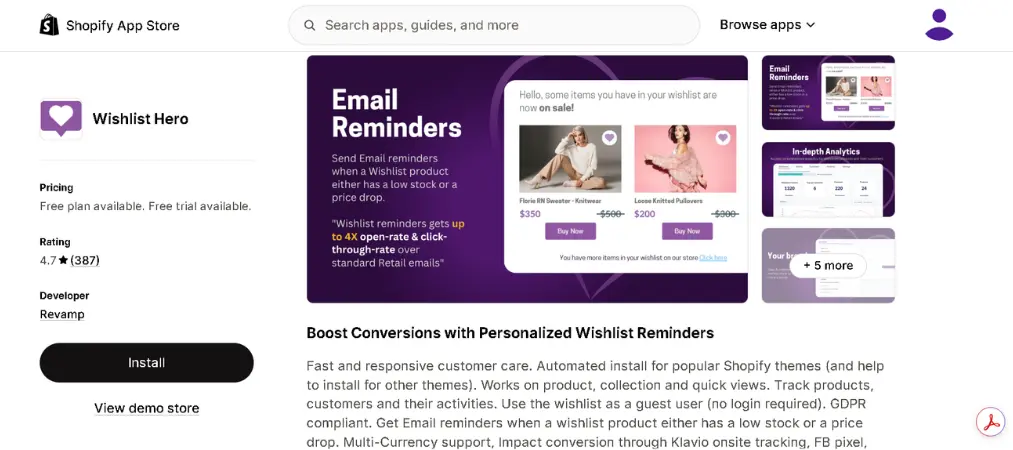
Wishlist Hero is aimed squarely at small and mid-sized stores that want core wishlist functionality without a steep price tag, and its team is known for helping merchants get it installed correctly on less common themes.
Shopify rating: 4.7 out of 5 (300+ reviews)
Key features:
- Heart icons across headers, menus, and product listings
- Wishlist creation for both guests and registered customers
- Facebook sharing for saved lists
- Automatic restock and price-drop email alerts
6. Wishlist by Square
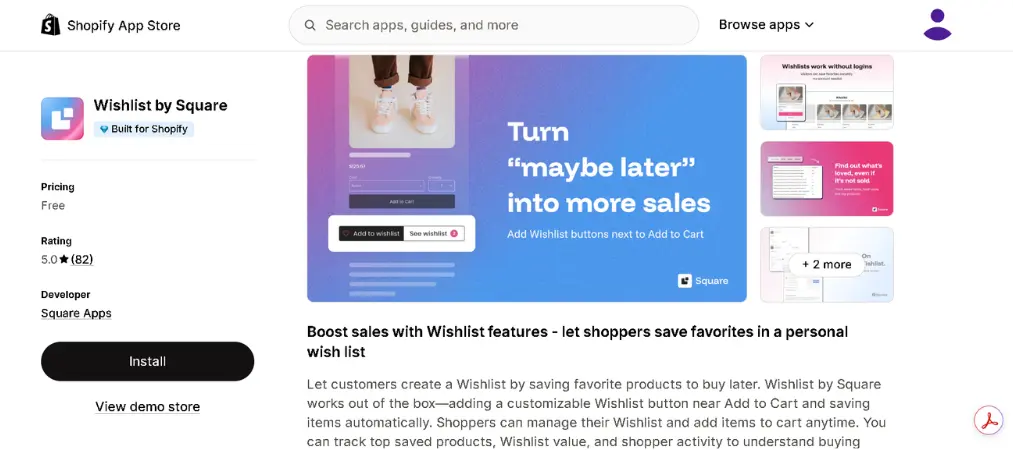
Wishlist by Square is a newer, minimalist entry that has quickly earned Shopify’s “Built for Shopify” badge — a sign it meets Shopify’s bar for performance and native integration — while remaining completely free to use.
Shopify rating: 5.0 out of 5 (80+ reviews)
Key features:
- Free wishlist app Shopify merchants can install without a paid plan
- Lets shoppers save and buy favorites later
- Lightweight, fast-loading setup
- Built for Shopify certification for performance and design
7. Hulk AI Wishlist & Favorites
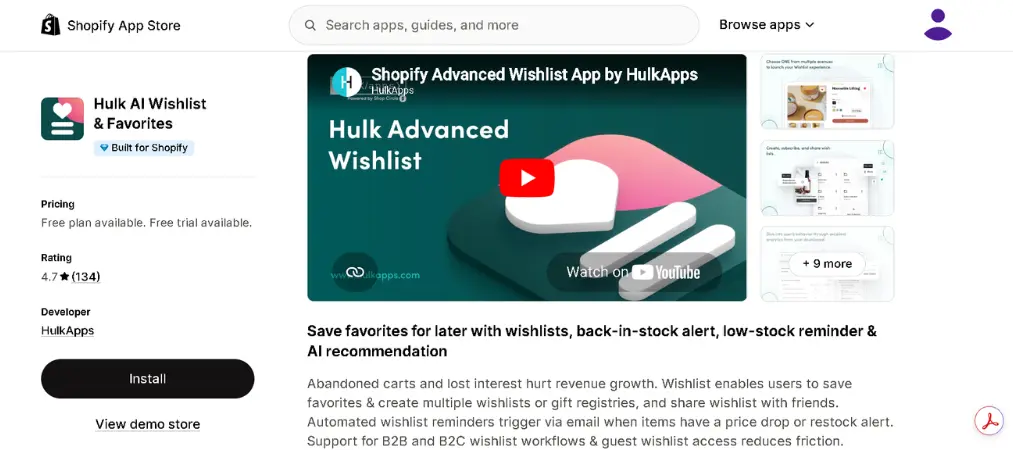
Hulk‘s wishlist app is one of the more budget-friendly options on this list, giving smaller stores the sharing and reminder tools usually reserved for pricier apps.
Shopify rating: 4.7 out of 5 (100+ reviews)
Key features:
- Social sharing of wishlisted products
- Guest wishlist support
- Restock alert emails
- Quick, low-friction installation
8. Froonze VIP Loyalty & Wishlist
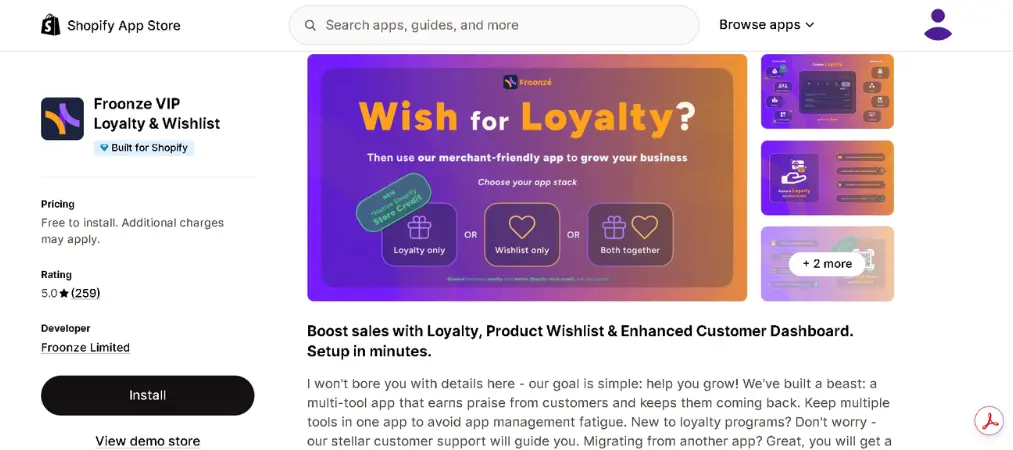
Froonze takes a different approach by tying saved products directly into Shopify’s native customer accounts and a broader loyalty and cashback system, which suits stores that want everything centered around one customer profile.
Shopify rating: 5.0 out of 5 (200+ reviews)
Key features:
- Integration with native Shopify customer accounts
- Combined loyalty, rewards, and cashback program
- Saved-items dashboard for easy management
- Free to install
9. WC Wishlist & Back in Stock
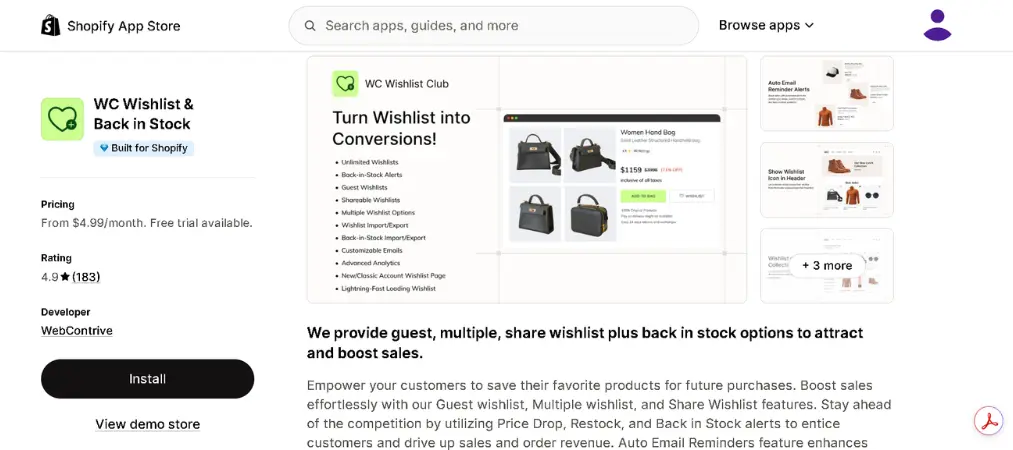
WC Wishlist & Back in Stock keeps things simple: a responsive wishlist widget paired with dependable restock alerts, aimed at merchants who want a quick setup rather than a long list of settings to configure.
Shopify rating: 4.9 out of 5 (100+ reviews)
Key features:
- Guest wishlist support
- Automated restock and back-in-stock email alerts
- Responsive, theme-friendly UI
- Fast installation with minimal setup
10. Wishlist – Wishify
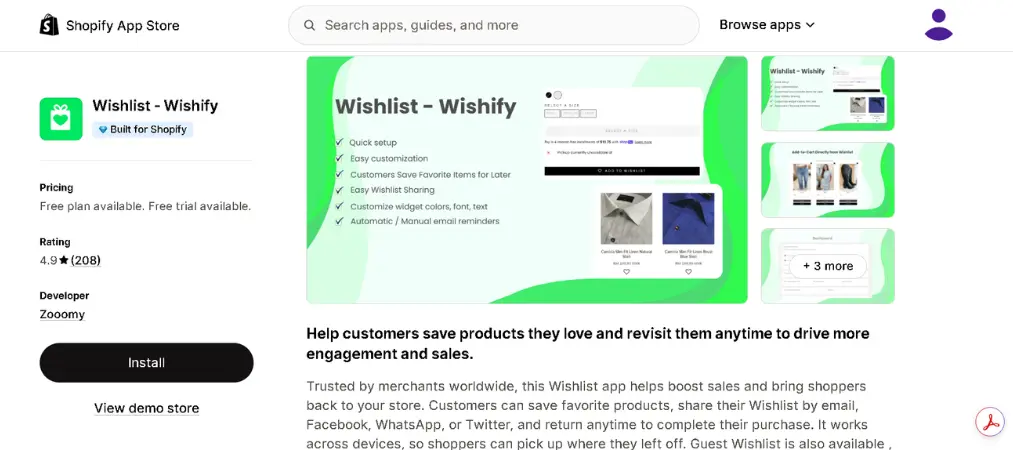
Wishify rounds out the list as a straightforward, reliable choice for merchants who want a wishlist that “just works” — solid ratings, essential features, and no unnecessary complexity.
Shopify rating: 4.9 out of 5 (200+ reviews)
Key features:
- Wishlists for both guest and registered shoppers
- Price-drop and restock email reminders
- Social sharing for saved lists
- Built for Shopify certification
Frequently Asked Questions
What does a Shopify wishlist app actually do?
It adds a save/heart button to your product pages so shoppers can build a personal list of items to buy later, then (with most apps) sends automated emails when those items restock or go on sale.
Is there a truly free wishlist app for Shopify?
Yes. Several apps on this list, including Wishlist by Square and Froonze VIP Loyalty & Wishlist, offer a free tier with no monthly cost, while others like Growave and Wishlist Hero offer free plans with usage limits.

Do wishlist apps actually increase sales?
They can. Saved-item data powers restock alerts and remarketing emails, both of which are proven ways to bring shoppers back to complete a purchase they didn’t finish the first time.
Can customers create a wishlist without an account?
Most of the best wishlist apps for Shopify support guest wishlists, though a few — like Froonze — are more tightly built around registered customer accounts.
Will a wishlist app work with my Shopify theme?
Most modern apps are theme-agnostic and use Shopify’s app blocks for easy installation, but it’s worth checking theme compatibility (or testing on a duplicate theme) before going live, especially with heavily customized storefronts.
Which Shopify wishlist app should I pick?
For most growing stores, Swym Wishlist Plus or Growave offer the best balance of features and reliability. If you’re just starting out and want a genuinely free wishlist app Shopify option, Wishlist by Square or Wishlist Hero are worth trying first.
Wrap Up
There’s no single best Shopify wishlist app for every store — the right pick depends on whether you need guest wishlists, restock emails, deep customization, or a loyalty program bundled in. Start with your must-have features from the checklist above, shortlist two or three apps from this list, and test them on a free plan or trial before committing to a paid tier.
And once your wishlist strategy is driving more orders, make sure your fulfillment side keeps up — a tool like Vify Order Printer makes it easy to generate professional invoices, packing slips, and order documents straight from Shopify.”