Table of Contents
Every second your store takes to load costs you sales. Shoppers abandon slow pages within seconds, and search engines quietly push sluggish sites further down the results. That’s why picking the right Shopify speed optimization apps matters as much as your product photos or pricing strategy.
This guide breaks down what these apps actually do, compares the top options side by side — including their real Shopify App Store ratings — walks you through installation, and shares extra tactics you can use once your app is up and running.
Table of Contents
What Do Shopify Speed Optimization Apps Actually Do?
A Shopify speed optimization app is a tool installed from the Shopify App Store that automatically fixes the technical issues slowing your store down — oversized images, unminified code, render-blocking scripts, and unnecessary third-party requests. Instead of hiring a developer to rewrite your theme, these apps handle the heavy lifting with a few clicks.
Most tools in this category combine several of the following:
- Image compression — shrinking PNG/JPG file sizes without visible quality loss
- Lazy loading — delaying offscreen images and videos until a visitor scrolls to them
- Code minification — stripping unnecessary characters from CSS and JavaScript files
- Script control — blocking or delaying third-party app scripts that aren’t needed immediately
- Asset preloading — prioritizing critical resources so key content appears faster
If you’re only just getting your store off the ground, speed is worth planning for from day one rather than fixing later — our guide on how to start a business on Shopify walks through the setup steps if you’re still in the early stages.
Best Speed Optimization Apps for Shopify — Quick Comparison
Before diving into details, here’s a snapshot of how the leading apps stack up on rating, price, and core strength.
| App | Shopify Rating | Starting Price | Standout Feature |
|---|---|---|---|
| TinySEO | 5.0★ (2,300+ reviews) | Free / from $14/mo | Highest image compression rates |
| Avada AI SEO Image Optimizer | 4.9★ (4,400+ reviews) | Free / from $34.95/mo | Multiple automated speed-boost modes |
| SEOWILL | 4.9★ (100+ reviews) | Free (no paid plans) | One-click speed-up modes |
| Tapita SEO & Speed Optimizer | 5.0★ (2,400+ reviews) | Free / from $9.99/mo | Real User Monitoring report |
| Booster Page Speed Optimizer | 4.7★ (300+ reviews) | Free (no paid plans) | Zero-cost hover preloading |
Ratings and pricing can shift as apps update their listings, so always check the live App Store page before installing.
Top Shopify Speed Optimization App Options, Reviewed
TinySEO (Tiny SEO Speed Image Optimizer)
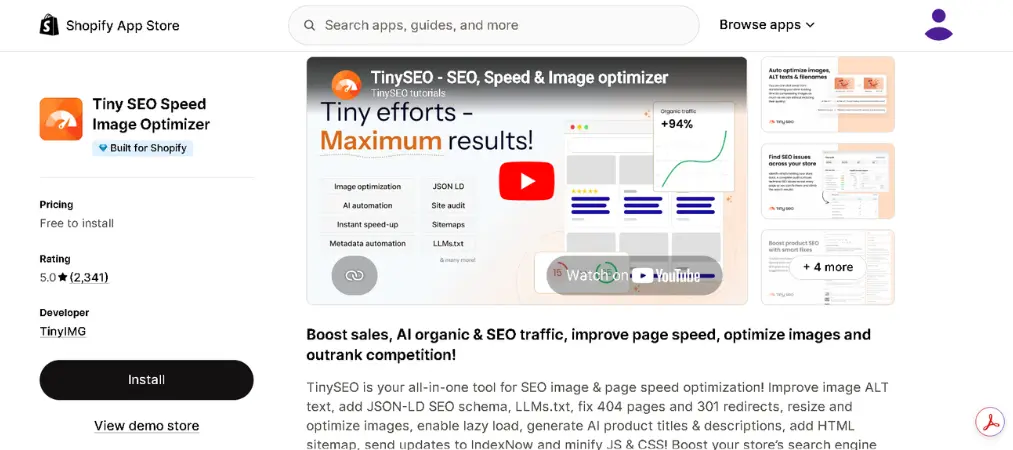
Shopify rating: 5.0★ out of 5, with 2,200+ reviews.
Why we picked it: It consistently posts the strongest image compression numbers of any app in this category, and merchants repeatedly praise the support team for hands-on help beyond just the app itself.
Key features:
- High-rate PNG and JPG compression
- Lazy loading and asset preloading
- CSS/JS minification
- Script control for third-party apps
- JSON-LD schema and broken-link fixes
Pros:
- Best-in-class compression results
- Strong, responsive customer support
- Covers both speed and broader SEO in one app
Cons:
- A handful of billing complaints about charges continuing briefly after uninstall
- Full feature set requires a paid plan
Pricing:
| Plan | Price | Includes |
|---|---|---|
| Free | $0 | 50 images/month, basic SEO tools |
| Starter | $14/mo | 1,500 images/month, advanced SEO tools |
| Advanced | $23/mo | 5,000 images/month, sitemap, lazy loading |
| Premium | $49/mo | 15,000 images/month, priority support |
Avada AI SEO Image Optimizer
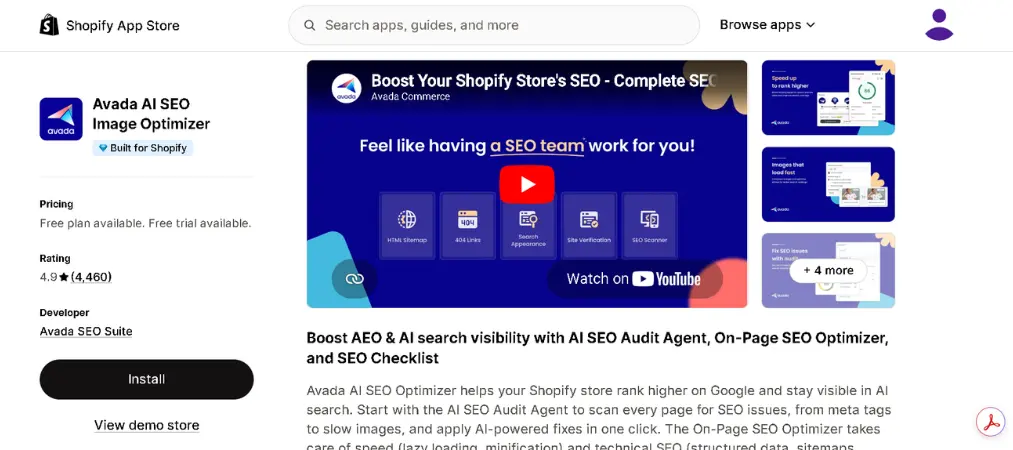
Shopify rating: 4.9★ out of 5, with 4,400+ reviews — the largest review base on this list.
Why we picked it: Avada leans into automation, letting you pick a “speed mode” instead of tuning individual settings, which suits merchants who’d rather not micromanage the technical details.
Key features:
- Four automated speed-boost modes
- Image and video lazy loading
- CSS minification and style optimization
- AI-powered SEO audit agent
- Structured data and redirect management
Pros:
- Very large, mature user base
- Strong PNG compression results in independent testing
- Minimal manual configuration needed
Cons:
- Weaker JPG compression compared to TinySEO
- Full speed features sit behind the paid plan
Pricing:
| Plan | Price | Includes |
|---|---|---|
| Free | $0 | Basic SEO checklist, limited image optimization |
| Pro | From $34.95/mo | Speed-up feature, unlimited images, structured data, 24/7 support |
SEOWILL
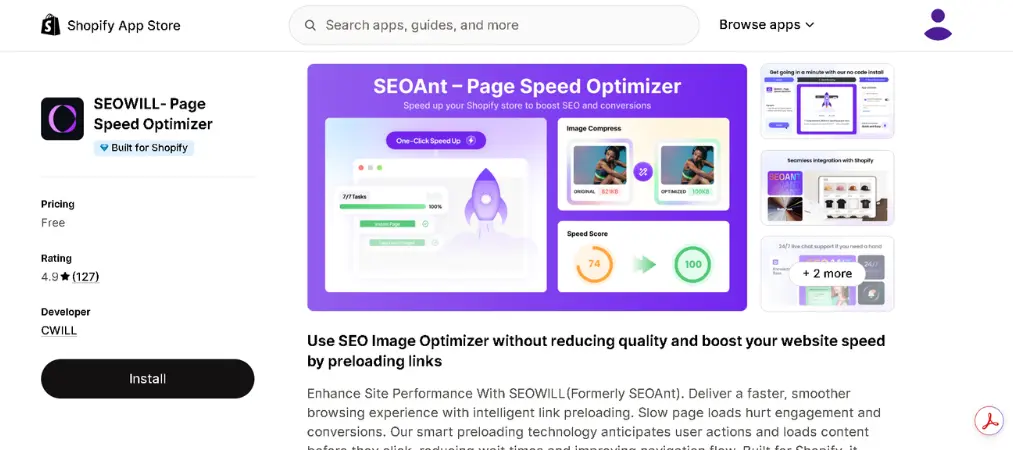
Shopify rating: 4.9★ out of 5, with 100+ reviews.
Why we picked it: Its one-click speed-up modes and instant-page preloading make it a fast setup for merchants who want a simple, guided fix rather than granular controls.
Key features:
- One-click optimization modes at different price tiers
- Instant page preloading on hover
- Image compression and lazy loading
- AMP support
- Broken-link detection and bulk redirects
Pros:
- Genuinely simple, low-effort setup
- Usable free tier for smaller stores
- Flexible optimization levels
Cons:
- Smaller install base than Avada or Tapita
- Higher-tier plans get expensive for what’s included
Pricing:
| Plan | Price | Includes |
|---|---|---|
| Free | $0 | Basic image compression, instant page preload |
| Starter | $15.99–$29.99/mo | Bulk editing, expanded speed-up modes |
| Advanced | Up to $79.99/mo | Full automation, AI content tools |
Tapita AI SEO & Speed Optimizer
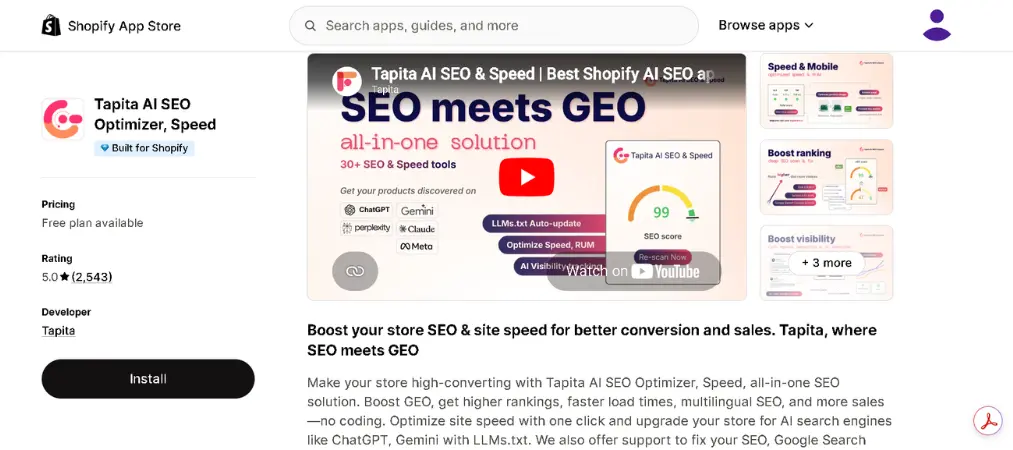
Shopify rating: 5.0★ out of 5, with 2,400+ reviews, and Built for Shopify certified.
Why we picked it: Tapita’s Real User Monitoring report measures actual visitor experience rather than lab scores alone, which helps you understand why your store feels slow before applying fixes — and it starts at one of the lowest price points on this list.
Key features:
- Real User Monitoring performance report
- Hover-based instant page preloading
- Image optimization (stronger on JPG than PNG in testing)
- Multi-language meta tag support
- JSON-LD structured data
Pros:
- Very affordable entry-level paid plan
- Real-user performance data, not just estimates
- Perfect rating across a large review count
Cons:
- Weaker automation for fixing detected issues
- PNG compression results are less consistent than TinySEO’s
Pricing:
| Plan | Price | Includes |
|---|---|---|
| Free | $0 | Audit for up to 50 pages, basic image optimization |
| Starter | From $9.99–$12.99/mo | Speed booster, meta templates, broken-link fixes |
| Growth | Up to $49–$64.99/mo | Full automation, multi-language SEO |
Booster Page Speed Optimizer
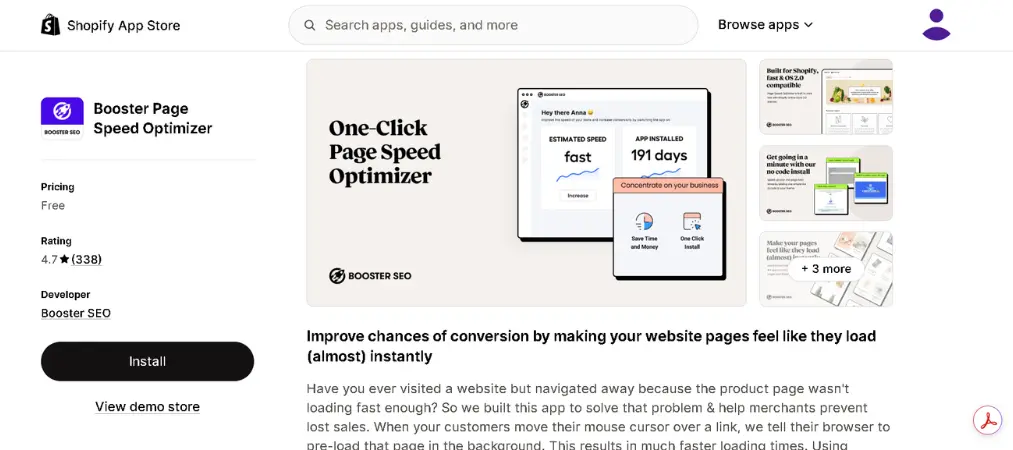
Shopify rating: 4.7★ out of 5, with 300+ reviews.
Why we picked it: It’s one of the only completely free options with no paid tier at all, making it a reasonable starting point for stores with a $0 tools budget.
Key features:
- Hover-triggered page preloading
- Lazy loading for images and videos
- DNS prefetching and browser caching optimization
- Simple one-toggle setup
Pros:
- 100% free, no feature gates
- Very fast, no-code setup
- Reliable for basic speed gains
Cons:
- No image compression
- No third-party script analysis or Core Web Vitals monitoring
- Only speeds up subsequent page loads, not the first visit
Pricing:
| Plan | Price | Includes |
|---|---|---|
| Free (only plan) | $0 | All features — preloading, lazy load, caching |
When comparing plans, it also helps to know where these app costs fit into your overall budget — see our breakdown of Shopify subscription cost across all plans to see how app spending stacks up against your monthly Shopify bill.
Getting Started: How to Set Up a Speed App on Your Store
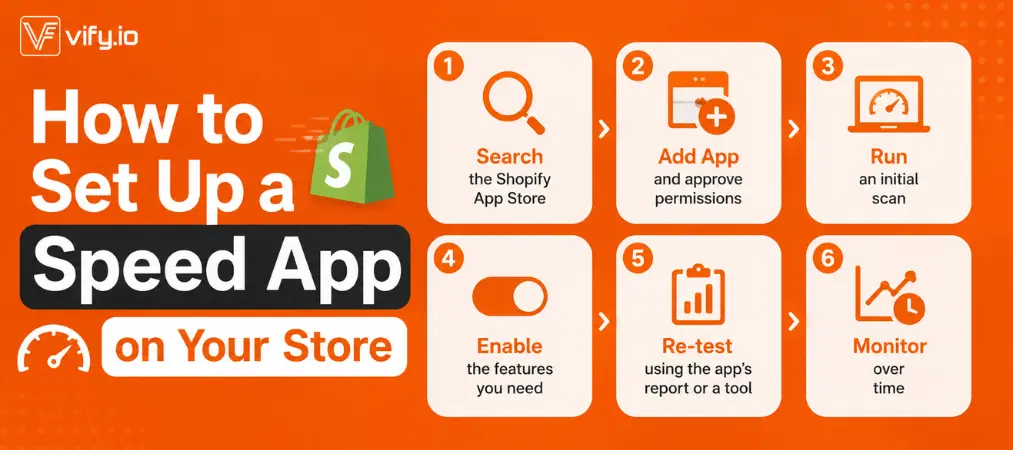
Installing a Shopify speed optimization app takes only a few minutes, and the process is nearly identical across providers:
- Search the Shopify App Store for the app you’ve chosen (or click its listing link directly).
- Click “Add app” and approve the requested permissions — most speed apps need access to your theme files to apply changes.
- Run an initial scan. The app will typically audit your store and show a baseline performance score.
- Enable the features you need — image compression, lazy loading, minification, and so on. Some apps let you toggle these individually; others apply a preset “mode.”
- Re-test your store using the app’s built-in report or a tool like Google PageSpeed Insights to confirm the score improved.
- Monitor over time. Speed apps work continuously as you add new products and images, so check back monthly rather than treating it as a one-time fix.
If a free plan caps how much it can compress or automate, weigh whether upgrading pays for itself in reduced bounce rate before committing.
Beyond the App: Other Ways to Speed Up Your Shopify Store
A best speed optimization app for Shopify solves most technical bottlenecks, but a handful of manual habits push performance even further:
- Choose a lightweight theme. Some themes are simply built with less bloat than others, giving you a faster baseline before any app touches your store.
- Audit installed apps regularly. Every app adds its own script, and unused ones still slow down page loads — remove anything you’re not actively using.
- Move tracking scripts to Google Tag Manager instead of hardcoding them, so you can manage and disable tags without editing theme code.
- Host videos externally (YouTube, Vimeo) and embed them, rather than uploading large video files directly to Shopify.
- Fix broken links and images, since failed requests add unnecessary load time as browsers retry them.
- Re-run PageSpeed Insights periodically to catch new issues as your catalog and content grow.
Combining these habits with a dedicated app usually delivers better, more lasting results than relying on either approach alone.
What Merchants Often Ask
Do I need more than one speed optimization app?
Usually one well-featured app covers image compression, lazy loading, and minification. Adding a second app for the same job can create conflicts, so only add extras that fill a genuine gap (like a dedicated theme audit tool).
What’s considered a good Shopify speed score?
A score above 50 on Google PageSpeed Insights is acceptable, but aim for 70+ for a genuinely fast experience that supports conversions.
Will a speed app slow down my store setup or checkout?
No — reputable speed apps are built specifically for Shopify’s architecture and shouldn’t interfere with checkout. Always test after installation to confirm nothing broke.
How often should I check my store’s speed?
Monthly is a reasonable cadence, or after any major theme, app, or catalog change.
Wrap Up
The right Shopify speed optimization apps can shave real seconds off your load times, but it works best alongside good theme choices, a lean app stack, and regular monitoring. Compare a couple of options against your specific needs — image-heavy catalog, budget, or how hands-on you want to be — and you’ll land on a setup that keeps your store fast as it grows.
While you’re optimizing the front-end experience, don’t overlook the back office — Vify Order Printer helps you generate and customize invoices, packing slips, and receipts in just a few clicks, so your whole store runs faster from checkout to fulfillment.