Table of Contents
When a customer arrives at your online store, they form an impression within seconds. Your theme determines that impression. A well-chosen Shopify theme builds credibility, guides visitors toward purchase, and communicates your brand identity without a single word. A poor choice does the opposite — regardless of how good your products are.
Shopify theme ecosystem offers both free and premium options, ranging from minimal starter templates to feature-rich, multi-layout powerhouses used by high-volume stores. This guide breaks down what matters when evaluating Shopify themes, reviews the top paid options available, and gives you a clear framework for making the right choice for your store.
Table of Contents
What Is a Shopify Theme?
A Shopify theme is a pre-designed template that controls the visual appearance and layout of your online store. It defines how your homepage, product pages, collection pages, cart, and checkout look and behave — including typography, color schemes, navigation structure, and page sections.
Shopify themes are built using the Liquid templating language alongside HTML, CSS, and JavaScript. Merchants can customize most themes through the Shopify theme editor without writing code, though more advanced customization is possible for developers who want to modify the underlying files.
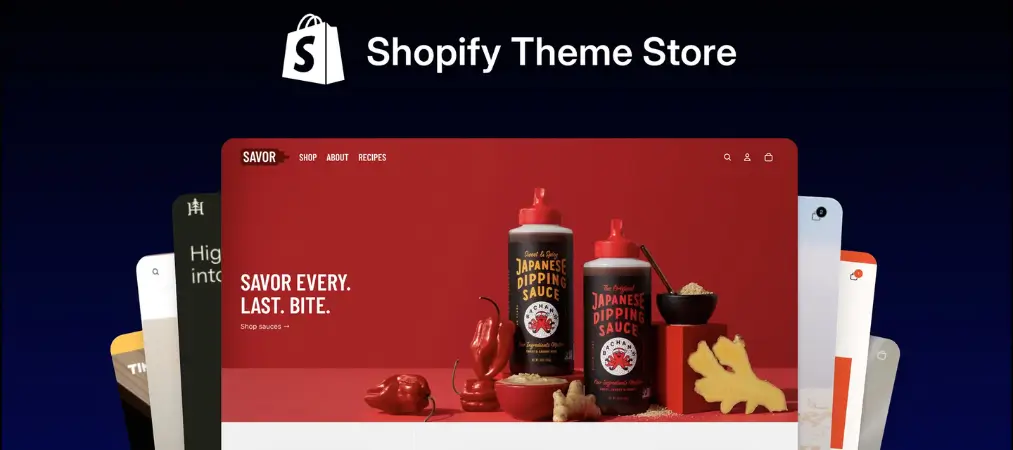
Themes are available through the official Shopify Theme Store and third-party marketplaces such as ThemeForest. They come in two categories: free and paid.
What to look for in a Shopify theme
Before browsing themes, it helps to know which qualities actually matter. The most visually impressive theme is not always the best choice — the right theme is the one that performs well for your specific store type, audience, and goals.
Design and Brand Alignment
Your theme’s aesthetic should reflect your brand identity. Consider the color palette, typography style, and overall visual tone. A luxury skincare brand needs a different visual language than a streetwear store or a B2B equipment supplier. Choose a theme that requires minimal cosmetic work to feel native to your brand.
Mobile Responsiveness
More than half of eCommerce traffic comes from mobile devices. A theme that looks great on desktop but performs poorly on a smartphone will cost you conversions. Verify that any theme you consider is fully responsive — meaning it adapts cleanly to all screen sizes — and test it on a mobile device before committing.
Page Load Speed
Theme performance directly affects both user experience and search engine rankings. Themes with excessive animations, unoptimized scripts, or bloated feature sets can significantly slow down your store. Google’s Core Web Vitals metrics — which factor into search rankings — reward fast-loading, stable pages. Prioritize themes that are explicitly optimized for speed.
Features and Built-In Functionality
Evaluate whether a theme includes the features your store genuinely needs: product filtering, mega menus, quick-view, size guides, countdown timers, sticky add-to-cart buttons, and so on. Including these natively in the theme is almost always faster and more reliable than adding them via third-party apps.
Customizability
A good theme is configurable without requiring developer access. Look for themes with a robust theme editor that lets you control layout sections, color schemes, typography, and page structure. For stores with specific requirements, also check whether the theme’s code is well-documented and accessible for developer-level customization.
Developer Support and Update History
Themes require ongoing maintenance to stay compatible with Shopify’s evolving platform. Choose a theme backed by a developer or studio with a consistent update history and responsive support. Before purchasing a paid theme, review the support documentation and read recent buyer comments to gauge the quality of developer engagement.
Top Shopify Themes
Free themes
Shopify maintains a collection of free themes in its official Theme Store. These themes are designed and maintained by Shopify directly, which means they are guaranteed to be compatible with the platform, regularly updated, and supported through Shopify’s own channels.
Free themes are a sensible starting point for new merchants, stores with limited budgets, or businesses that want to launch quickly without committing to a premium option upfront. They are leaner in terms of built-in features compared to paid themes, but they are clean, performant, and professional enough for most early-stage stores.
You can browse all available free themes filtered by style, industry, and catalog size in the Shopify Theme Store. Shopify’s free selection changes over time as new themes are added and retired.
If your store requirements are straightforward — a clean layout, standard product pages, and basic navigation — a free Shopify theme is worth evaluating before investing in a paid option.
Paid themes
Paid themes from third-party marketplaces offer more extensive feature sets, greater design diversity, and deeper customization options than free themes. The following five themes are among the most consistently well-reviewed options available.
1. Ella — Best All-in-One Multi-Purpose Theme
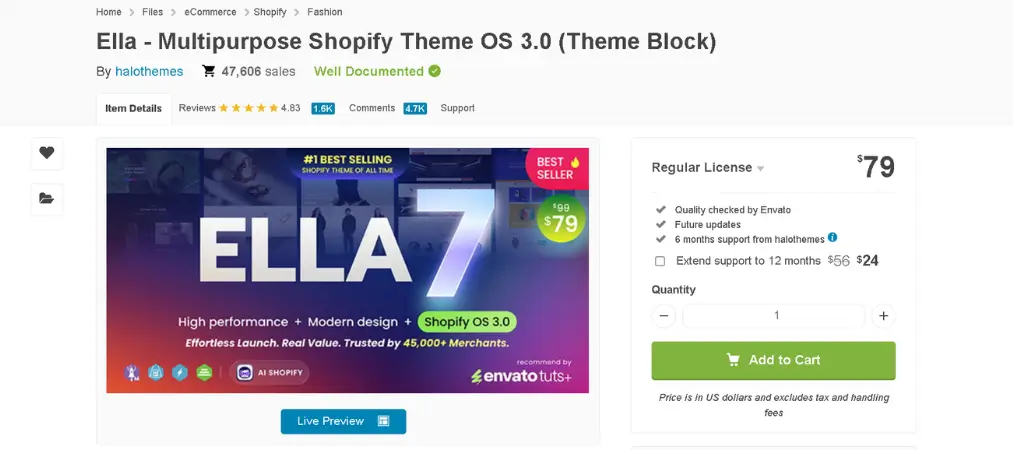
Marketplace: ThemeForest
Price: $79 (one-time)
Rating: 4.81 / 5 (18,000+ sales)
Ella is the best-selling Shopify theme on ThemeForest, and for good reason. It is an all-in-one template built to serve virtually any store type, with an extensive selection of homepage layouts, product page variants, and child themes tailored to specific niches.
Key features:
- 17+ homepage layouts; 9+ product page variants; 7+ collection page layouts
- Multiple header and footer combinations, including mobile-specific headers
- Ajax layered navigation with tag-based filtering
- Enhanced instant search
- Google Rich Product Snippets for SEO
- Advanced size chart (configurable per product)
- Custom product tabs (configurable per product)
- Multi-language support (built-in)
- One-click checkout
- Upsell bundled products with discount feature
- Lazy loading images for improved performance
- Custom pages: Lookbook, FAQ, About Us, Contact, Portfolio, 404, Shop Instagram, and more
Best for: Merchants who want a single theme capable of handling multiple store styles, or those who anticipate significant store expansion and need layout flexibility from day one.
2. Wokiee — Best for Design Flexibility and Layout Variety
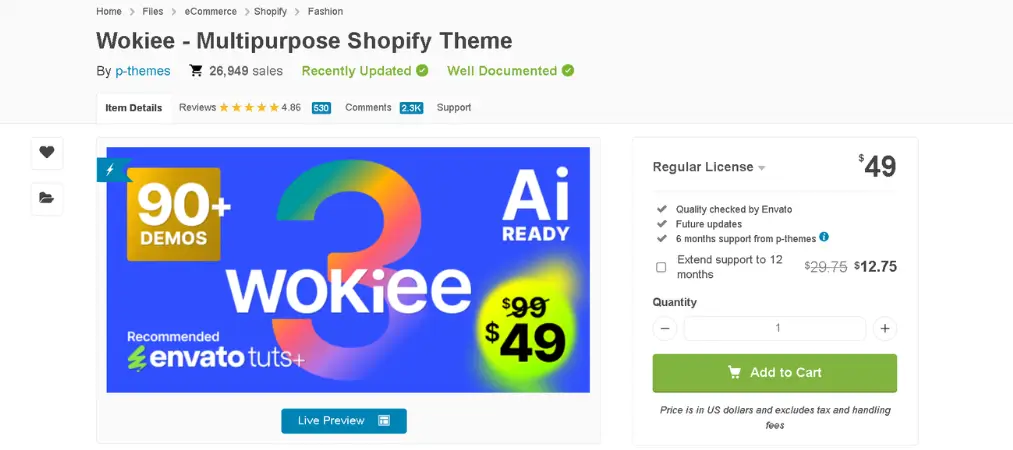
Marketplace: ThemeForest
Price: $99 (one-time)
Wokiee is positioned as more than a theme — it functions as a design toolkit. With over 75 homepage layouts and support for an exceptionally wide range of product categories (from children’s toys to industrial equipment), it is one of the most versatile themes available for Shopify.
Key features:
- 75+ homepage layouts; 6 product page variants; 7 collection page variants
- 3D, VR, and YouTube video support on product pages
- Color, size, and material swatches
- Ajax filter, Ajax search, and Ajax Load More
- Quick view, Lightbox, and preorder functionality
- Instagram Shop integration
- 3 Lookbook variants
- Google Rich Snippet support
- Catalog mode (hide prices / disable checkout for B2B)
- Countdown timer
- 5 blog variants
- Dynamic checkout buttons
Best for: Merchants who need maximum layout diversity and visual options, or stores that sell across multiple product categories with different presentation needs.
3. Yanka — Best for Fashion and Lifestyle Brands
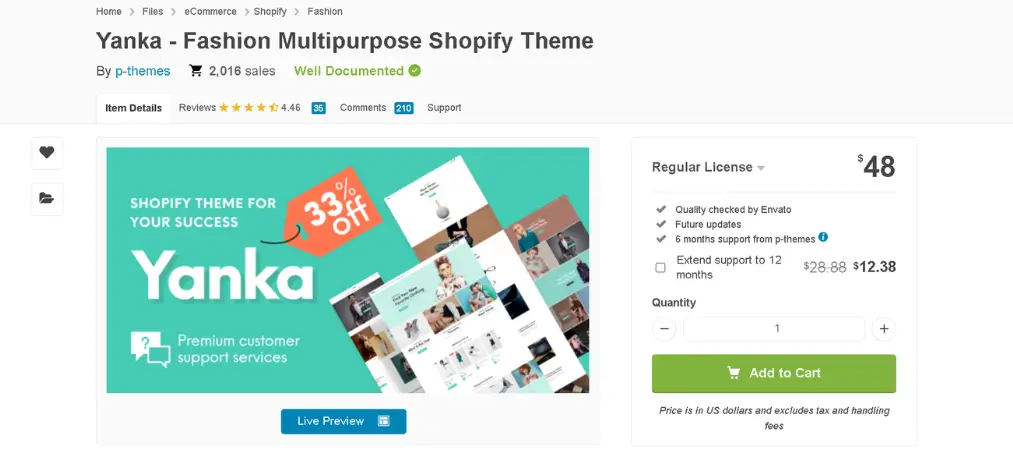
Marketplace: ThemeForest
Price: $48 (one-time)
Yanka is a fashion-forward multipurpose theme built with modern aesthetic sensibilities. Its layout variety is particularly strong for collection and product pages, making it well-suited for apparel, accessories, and lifestyle brands that need to present products in multiple visual formats.
Key features:
- 18+ homepage layouts; 9 product page variants; 25 collection page variants
- 27+ flexible banner sections
- Color, size, and material swatches
- Ajax filter, Ajax search, and Ajax Load More
- Instagram Shop integration
- 2 Lookbook variants
- Cart countdown timer
- Google Rich Snippet support
- Catalog mode
- Advanced Shopify admin panel
- Documentation and video tutorials
- Mobile optimized
Best for: Fashion, apparel, accessories, and lifestyle stores that need visually rich collection pages and a strong product presentation experience at an accessible price point.
4. Kalles – Best for Page Speed and Clean Design
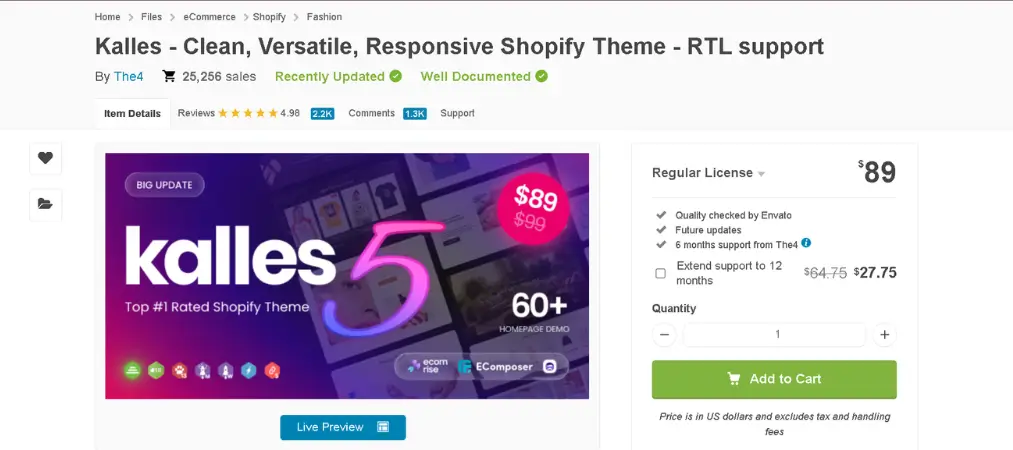
Marketplace: ThemeForest Price: $89 (one-time) Rating: 5 / 5 (267+ ratings)
Kalles holds a rare perfect rating on ThemeForest and is built around a core principle that many themes sacrifice: page speed. Without cutting corners on design, Kalles delivers a clean, modern aesthetic that performs well under Google’s Core Web Vitals metrics — a meaningful SEO advantage.
Key features:
- 20+ homepage layouts with unique concepts
- Ajax product filter support
- Auto currency switcher
- Google Rich Product Snippets
- Ajax Mailchimp and Klaviyo integration
- Calculate free shipping thresholds (display to customers in cart)
- Stock countdown for urgency
- Unlimited variant images
- Product grouped display
- Add to cart sticky button
- Sections in product pages (fully customizable)
- Compatible with RYVIU reviews
- Social sharing features
- Fully responsive across all tested devices
- HTML5 and CSS3 tableless design
Best for: Merchants who prioritize page load performance and SEO, or stores with a clean, minimal aesthetic that should not be compromised by feature bloat.
Free vs. Paid Shopify Themes: Which Should You Choose?
| Factor | Free Themes | Paid Themes |
|---|---|---|
| Upfront cost | $0 | $48–$99+ (one-time) |
| Feature depth | Basic | Advanced |
| Layout variety | Limited | Extensive |
| Customization options | Moderate | Deep |
| Performance optimization | Good | Varies; check per theme |
| Support | Shopify directly | Theme developer |
| Best for | New stores, limited budgets, simple catalogs | Growth-stage stores, complex catalogs, brand-specific needs |
The right answer depends on your situation. If you are launching a new store and want to validate your product before investing in design, start with a free theme. Shopify’s free options are professional and performant enough to run a real store.
If you are past the validation stage, have a clear brand identity, and need features that free themes cannot provide — complex product filtering, advanced mega menus, detailed product page variants — a one-time investment in a paid theme is almost always worth it. The difference in conversion rate between a well-fitted theme and a generic one compounds significantly over time.
How to Choose the Right Shopify Theme for Your Business
With hundreds of options available, narrowing your choice becomes easier when you approach it systematically.
Start with your catalog size and structure.
A store with 10 products has different needs than a store with 1,000. Large catalogs need robust filtering, breadcrumb navigation, and collection page variety. Small, curated catalogs benefit from themes that give each product space to breathe with strong visual presentation.
Define your non-negotiable features first.
List the specific features your store cannot operate without — size guides, currency switchers, quick view, video product pages, B2B catalog mode. Use that list to filter out themes immediately.
Match the aesthetic to your target customer.
Your theme should speak to the person buying from you, not to your personal preference. Research how your target customer engages with brands in your category and look for a theme that reflects that visual language.
Test mobile performance before deciding.
Use the theme preview on a real smartphone, or use Chrome DevTools to simulate mobile devices. Pay attention to navigation usability, image loading, and checkout flow.
Read recent support reviews.
Before purchasing a paid theme, look at reviews from the last six months. Issues with support quality, compatibility bugs after Shopify updates, or abandoned themes become visible in recent buyer feedback.
Use the free trial.
Shopify allows merchants to preview and trial themes before publishing. Install the theme on your store, add your real products and content, and evaluate the actual result — not just the demo.
Final Thoughts
Your Shopify theme is not just a visual choice — it is a business decision that affects every metric that matters: time on site, bounce rate, add-to-cart rate, and conversion rate. Taking the time to evaluate themes properly, test them with real content, and match them to your specific store requirements pays dividends every day your store is live.
Whether you start with Shopify’s free themes or invest in a premium option like Ella, Kalles, or Wokiee, the right theme is the one that serves your customers best — not the one with the longest feature list.
If you want to know more about how to set up a Shopify store, you can check our other articles on our website here: orderprinter.vify.io